Shopify Product Photography: Optimise Images for Your Online Store
Master product photography specifically for Shopify stores. Learn technical optimisation, theme considerations, and strategies for higher conversions.
Shopify's Unique Image Considerations
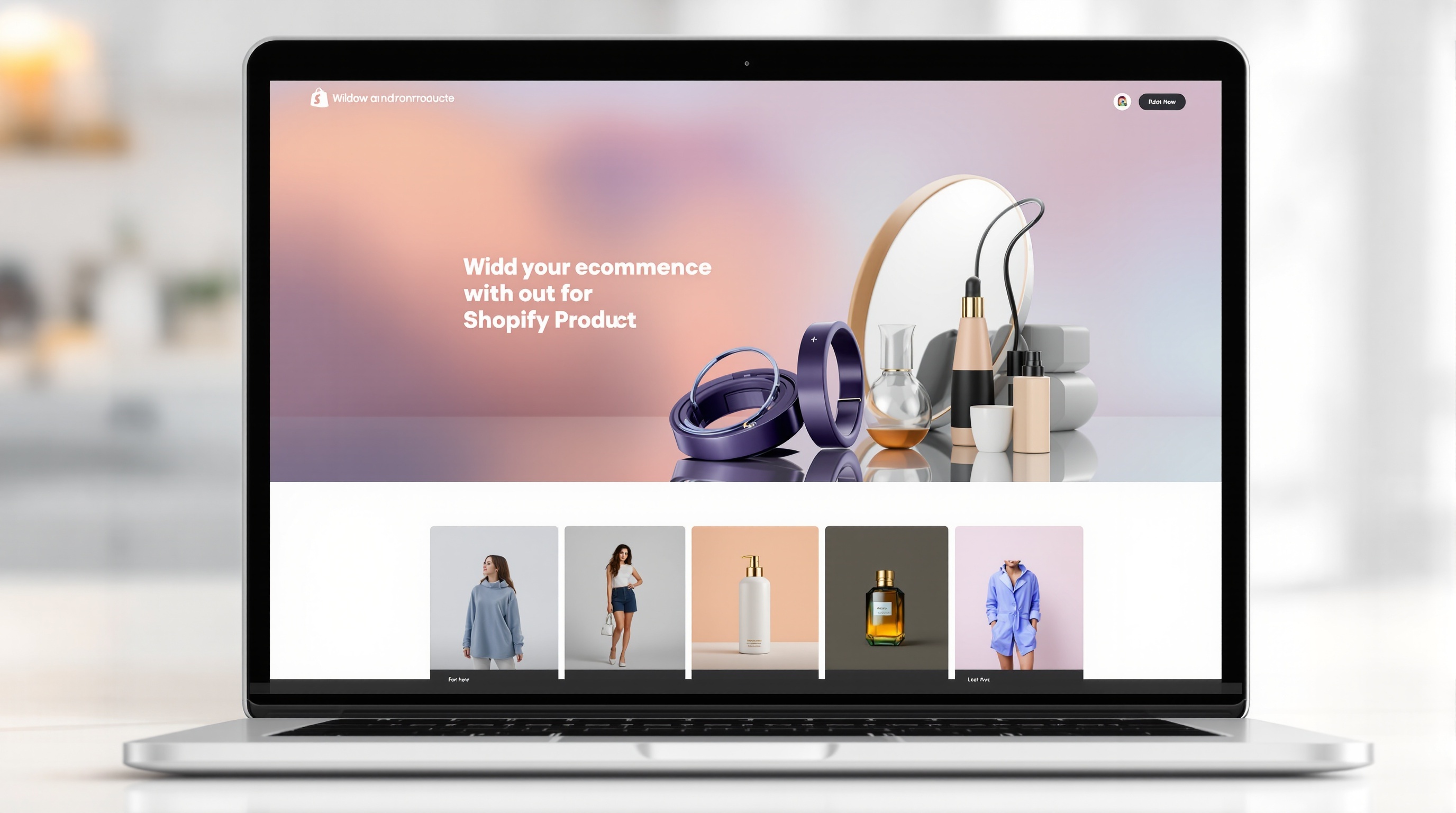
Unlike marketplaces where everyone uses the same template, Shopify stores have unlimited design flexibility. This means your product photography needs to work within your specific theme, brand aesthetic, and technical setup.
Technical Requirements for Shopify
Image Formats
- Recommended: JPEG for photos, PNG for images needing transparency
- WebP: Shopify automatically converts to WebP for supporting browsers (30%+ smaller files)
- AVIF: Newest format, even better compression, growing support
Optimal Sizes
- Product images: 2048 x 2048 pixels maximum (Shopify's limit)
- Recommended: 2000 x 2000 pixels for zoom functionality
- Minimum: 800 x 800 pixels (but zoom won't work well)
- File size: Keep under 20MB; aim for under 500KB when optimised
Aspect Ratios
Shopify themes handle different aspect ratios differently:
- Square (1:1): Safest choice; works with all themes
- Portrait (2:3 or 4:5): Great for apparel; takes up more visual space
- Landscape: Less common; can cause layout issues
Key rule: Use the same aspect ratio across all products for a clean grid.
Theme-Specific Considerations
Product Grid Appearance
Your collection pages display product thumbnails in a grid. Consider:
- How your first image looks at thumbnail size
- Consistency across all products in the grid
- Whether your theme supports hover images
Product Page Layout
Different themes display product images differently:
- Single large image with thumbnails below
- Gallery slider
- Scrolling images alongside sticky product info
- Lightbox zoom functionality
Test your photography in your actual theme to ensure it works well.
Performance Optimisation
Why Speed Matters
Page speed directly impacts:
- Conversion rate: 1-second delay can reduce conversions by 7%
- SEO: Google uses page speed as a ranking factor
- User experience: Slow sites frustrate customers
- Mobile performance: Especially critical on slower connections
Optimisation Techniques
- Compress images: Use tools like TinyPNG or Shopify's automatic optimisation
- Right-size images: Don't upload 4000px images if they'll only display at 800px
- Lazy loading: Most themes support this; below-fold images load as you scroll
- Use Shopify CDN: Already built-in; serves images from nearest server
Alt Text for SEO
Every product image should have descriptive alt text:
- Describe what's in the image accurately
- Include relevant keywords naturally
- Keep it under 125 characters
- Don't stuff keywords unnaturally
Example: "Blue cotton summer dress with white floral pattern - front view"
Product Variants
Shopify handles variants (sizes, colours) specially:
- Each variant can have its own image
- Image switches when variant is selected
- Consider photographing each colour option
- Maintain consistency across variant images
Building Your Image Strategy
Per-Product Image Set
For each product, aim for:
- Main image: Product clearly visible, works as thumbnail
- Additional angles: Back, side, detail shots
- Scale/context: Show size or product in use
- Lifestyle: Aspirational imagery if appropriate
Brand Consistency
- Same background across all products
- Consistent lighting and colour treatment
- Recognisable style that builds brand identity
- Aligned with your overall store aesthetic
AI Tools for Shopify Sellers
AI photography tools integrate well with Shopify workflows:
- Batch process entire catalogues quickly
- Create consistent backgrounds and lighting
- Generate lifestyle images for marketing
- Produce variant images from single source photos
- Maintain perfect consistency across hundreds of products
Create a complete product photography set for your Shopify store in seconds. ShopShot generates multiple optimised variations from a single upload.
Frequently Asked Questions
What image size does Shopify recommend?
Shopify recommends 2048x2048 pixels for square images. This enables zoom functionality and looks crisp on all devices. Use consistent dimensions across all products for a professional storefront.
How many images should Shopify products have?
Include 4-6 images minimum: main product shot, multiple angles, detail close-ups, scale reference, and lifestyle shots. More images reduce returns by setting accurate customer expectations.
Does Shopify compress product images?
Yes, Shopify automatically compresses and converts images to WebP format for faster loading. Upload high-quality originals (under 20MB) and let Shopify handle optimization.
Can I bulk upload product images to Shopify?
Yes, use Shopify's CSV import feature or apps like Matrixify for bulk uploads. Name files with SKU numbers for automatic matching. AI tools like ShopShot can generate bulk images from single source photos.
Ready to Transform Your Product Photography?
Try ShopShot free and see professional AI photography in action.
Start Free - 15 Credits