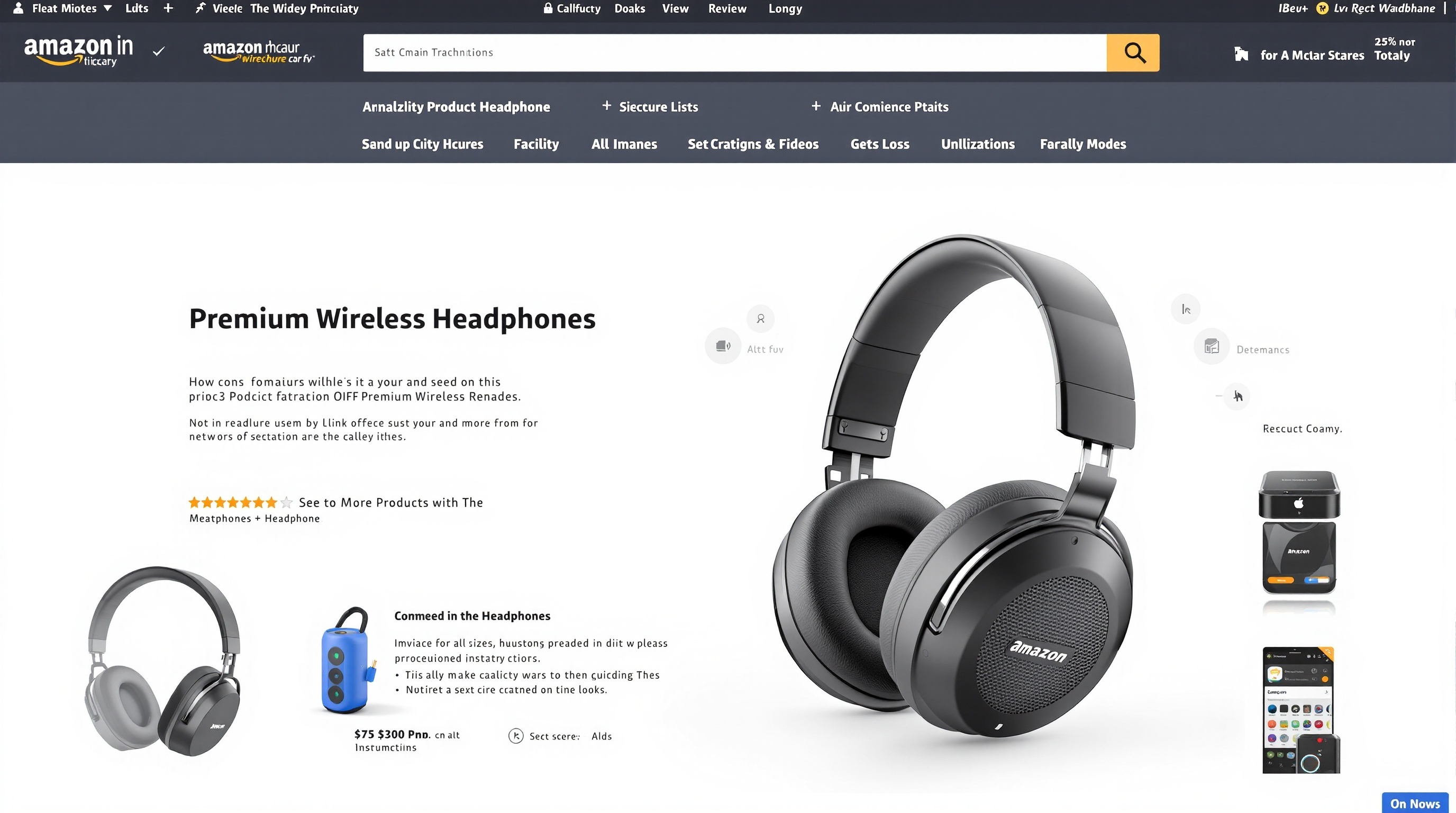
How to Make Product Images for Amazon (Meet Requirements Without a Photographer)
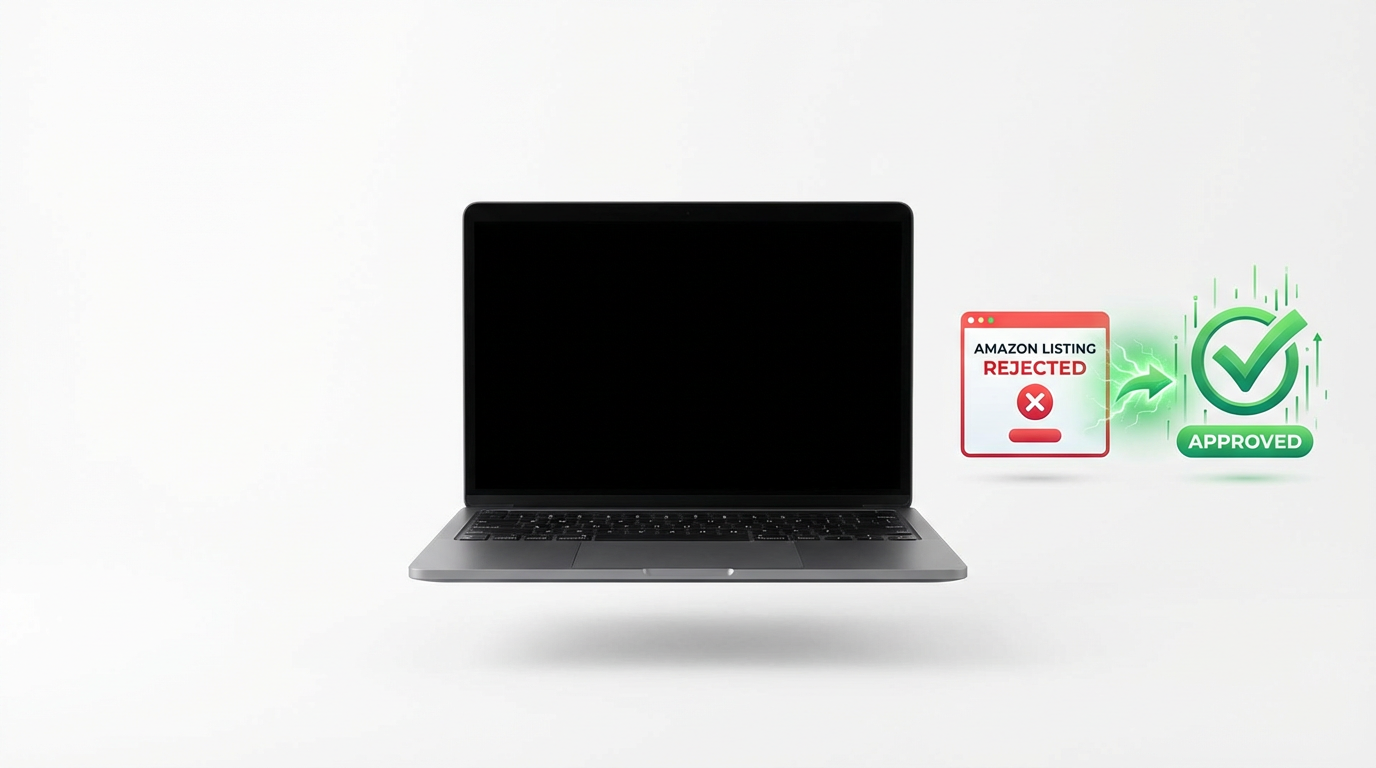
Amazon rejected my first product listing within 2 hours. 'Main image does not meet technical requirements.' Here's how to get it right the first time.
Amazon's Product Photo Requirements for 2025
Amazon is incredibly specific about your main product image. Get it wrong, your listing gets rejected or suppressed.
Main Image Requirements (The Critical One)
- Background: Pure white. Not off-white. Not cream. RGB 255, 255, 255. Actual pure white.
- Dimensions: Minimum 1000x1000 pixels. Amazon recommends 2000x2000 pixels or larger.
- File Format: JPEG or PNG. JPEG is preferred for faster loading.
- Product Fill: Your product must fill 85% of the image frame.
- What's NOT Allowed: No text. No logos. No watermarks. No borders. No props. No graphics.
Secondary Images (Slots 2-7)
These have more flexibility: lifestyle images showing product in use, infographics highlighting features, size comparison shots, different angles and details. Text and graphics are allowed here.
Traditional Methods to Create Amazon Images
Method 1: Lightbox Photography Setup
Buy a lightbox (£40-150), studio lights (£50-100), white backdrop paper (£15). Set up in your spare room. Time per product: 15-20 minutes once set up.
Method 2: Photoshop Background Removal
Shoot products anywhere, remove background in Photoshop, replace with pure white. Time per product: 10-15 minutes if you're quick. Requires Photoshop skills.
The AI Method: Amazon-Compliant Images in Seconds
Here's how it works with ShopShot:
- Upload any photo of your product (could have a messy background)
- AI instantly removes the background and identifies the product
- AI adds pure white background (RGB 255, 255, 255 - Amazon compliant)
- AI auto-resizes to 2000x2000px and centers the product at ~85% frame fill
- Download your Amazon-ready image
Time: 25 seconds per product. Cost: £40/month unlimited vs £5-15 per image with traditional methods.
Common Amazon Image Rejections (And How to Avoid Them)
- Background Not Pure White: Amazon's robots check RGB values. If your white is RGB 254,254,254, it'll get rejected.
- Product Too Small in Frame: Amazon wants 85% frame fill. Too small or too large gets rejected.
- Shadows or Reflections: Amazon doesn't want shadows on main images.
- Low Resolution: Below Amazon's 2000x2000px recommendation means no zoom functionality.
Lifestyle Images for Slots 2-7
Don't sleep on secondary images. They massively impact conversion.
AI can generate lifestyle contexts without photoshoots: your skincare product on a bathroom counter, your electronics on a modern desk, your kitchen gadget in a cooking scene.
Create Amazon-compliant product photos in 25 seconds. Try ShopShot free with 15 credits.
Frequently Asked Questions
What are Amazon's main image requirements?
Amazon main images must have: pure white background (RGB 255,255,255), product fills 85% of frame, no text/logos/watermarks, minimum 1000px (1600px+ recommended), and show only the product being sold.
Will Amazon reject my product images?
Amazon may suppress listings with non-compliant images. Common rejection reasons: non-white backgrounds, text on main image, product under 85% of frame, low resolution, and multiple products shown.
What file format does Amazon accept for product images?
Amazon accepts JPEG (.jpg), PNG (.png), GIF (.gif), and TIFF (.tif). JPEG is recommended for photos due to smaller file sizes. Use PNG for images requiring transparency.
How do I check if my background is pure white for Amazon?
Use image editing software to check RGB values. Pure white is 255,255,255. In Photoshop, use the eyedropper tool. Amazon's Seller Central also provides image quality checks during upload.
Ready to Transform Your Product Photography?
Try ShopShot free and see professional AI photography in action.
Start Free - 15 Credits