How to Create Product Photography for Ecommerce (Complete 2025 Guide)
72% of customers say product photos influence their purchase decisions more than descriptions. This is everything you need to know about ecommerce photography.
Equipment & Setup: The Traditional DIY Route
What You Actually Need (Minimal Setup)
- Camera: Your smartphone is fine. Any iPhone from the last 5 years or flagship Android.
- Lighting: Natural light from a window, or two softbox lights (£50-100).
- Backdrop: White poster board (£3-5) or photography backdrop (£20-40).
- Tripod: Cheap one from Amazon (£15-25).
Total Investment: £20-200 depending on how far you go.
Photography Best Practices
Lighting Techniques
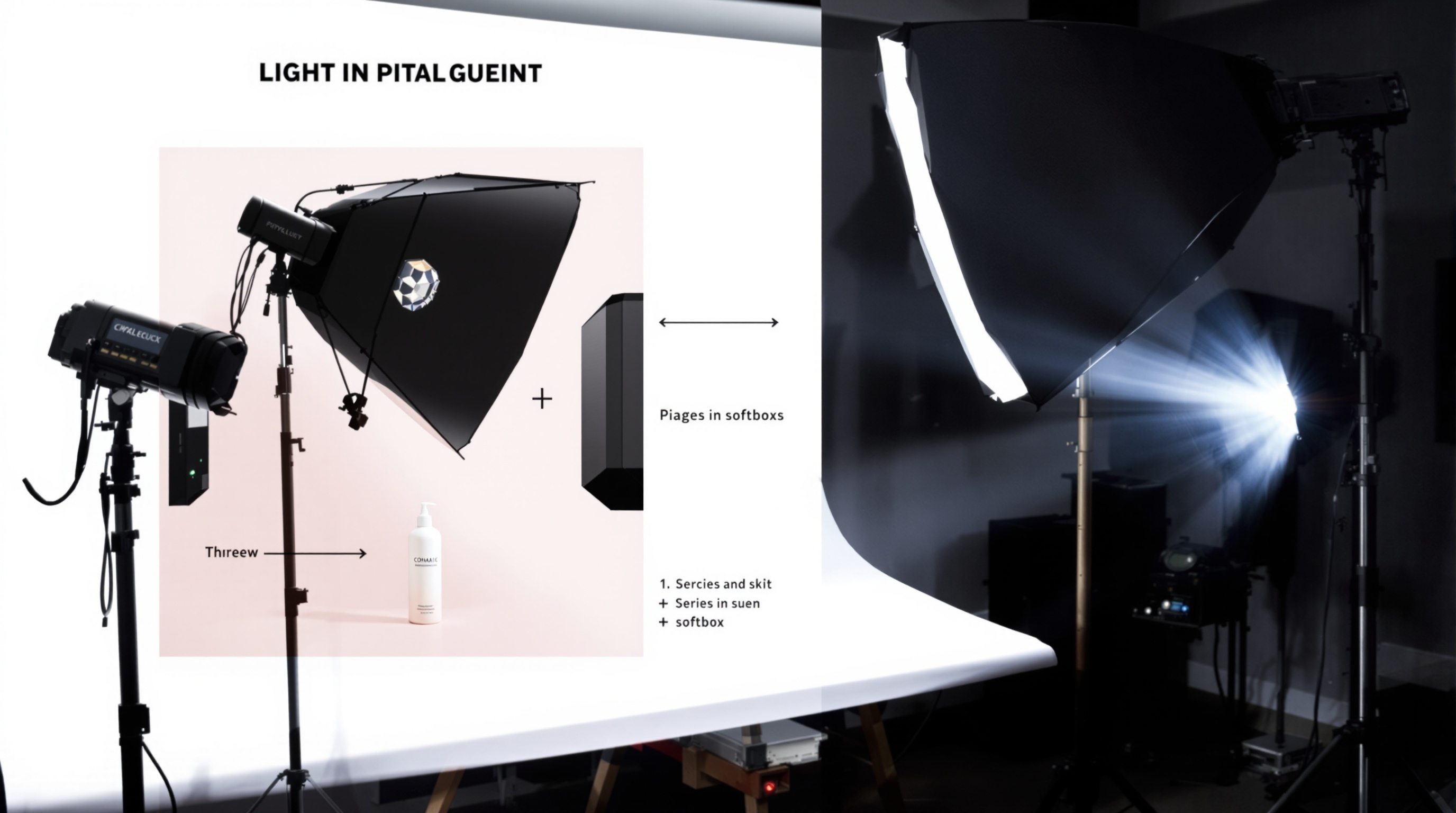
Three-Point Lighting: Key light (main, 45 degrees to side), Fill light (softer, opposite side), Back light (behind product, creates separation).
Natural Light Only: Position near window. Use white reflector on opposite side to bounce light and fill shadows.
Composition Rules
- Rule of Thirds: Position product where grid lines intersect.
- Negative Space: Leave breathing room around your product.
- Consistent Angles: Pick 3-4 standard angles for your entire catalog.
Post-Processing & Editing
Color Correction
Adjust exposure, white balance, contrast, saturation. Tools: Lightroom Mobile (free), Snapseed (free), Photoshop (£10/month).
Background Removal
Photoshop Method: Quick Selection Tool, refine edges, delete background, add white layer. Free Tools: Remove.bg, Photopea, Canva. AI Method: Upload to ShopShot, get perfect background removal in 3 seconds.
The AI Alternative
Everything above works. But it's slow. If you've got more than 20 products, it's not scalable unless you want product photography to become your full-time job.
Benefits vs Traditional Photography
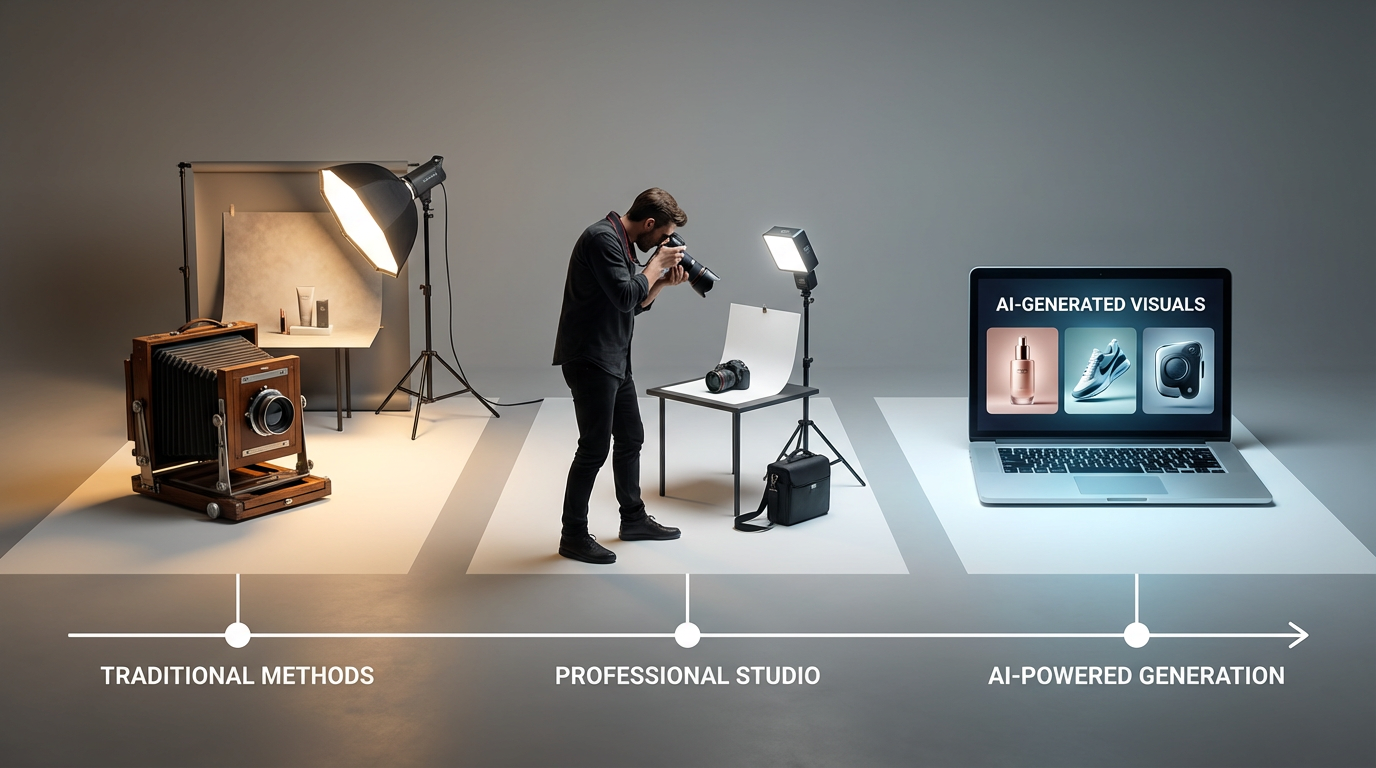
Traditional DIY: 60 minutes per product, £0 (your time), variable consistency
Professional Photographer: 1-2 weeks with booking, £50-150 per product, excellent quality
AI (ShopShot): 25 seconds per product, £0.40 per product, perfect consistency
Platform-Specific Requirements
Shopify
Recommended: 2048x2048px. Maximum: 4472x4472px. Formats: JPEG, PNG, GIF, HEIC.
Amazon
Main Image: 2000x2000px minimum, pure white background (RGB 255,255,255). Product fill: 85% of frame.
Etsy
Minimum: 2000px on shortest side. Up to 10 images per listing.
Feed posts: 1080x1080px (square) or 1080x1350px (portrait). Stories/Reels: 1080x1920px (vertical).
Skip the equipment and editing. Generate professional product photos with ShopShot AI. 15 free credits to test.
Frequently Asked Questions
What makes good e-commerce product photography?
Good e-commerce photography includes: consistent lighting, clean backgrounds, multiple angles, detail shots, lifestyle context, accurate colors, high resolution (1600px+), and fast loading times.
How many product images increase e-commerce conversions?
Studies show conversion rates increase with more images: 1 image = baseline, 3 images = 5% increase, 5 images = 10% increase, 8+ images = up to 25% increase. Always maximize allowed images.
What is the ROI of professional product photography?
Professional product photography typically delivers 2-5x ROI through increased conversions, reduced returns, and higher perceived value. AI photography offers similar benefits at 1/10th the cost.
Should I use models in product photography?
For wearables and lifestyle products, models increase conversions by 20-30%. For other products, lifestyle settings without models work well. AI can generate both styles from a single product photo.
Ready to Transform Your Product Photography?
Try ShopShot free and see professional AI photography in action.
Start Free - 15 Credits