How to Create Perfect White Background Product Photos (With and Without AI)
White background photos are essential for e-commerce success. Learn how to create them professionally using traditional methods or AI shortcuts.
Why White Backgrounds Matter
White background product photos aren't just an aesthetic choice; they're often a requirement. Amazon mandates pure white backgrounds for main product images. eBay recommends them. And shoppers have come to expect them because white backgrounds:
- Put focus entirely on the product
- Create a clean, professional appearance
- Make product features clearly visible
- Work seamlessly across all platforms
- Load faster due to simple compression
Traditional White Background Photography
Equipment You'll Need
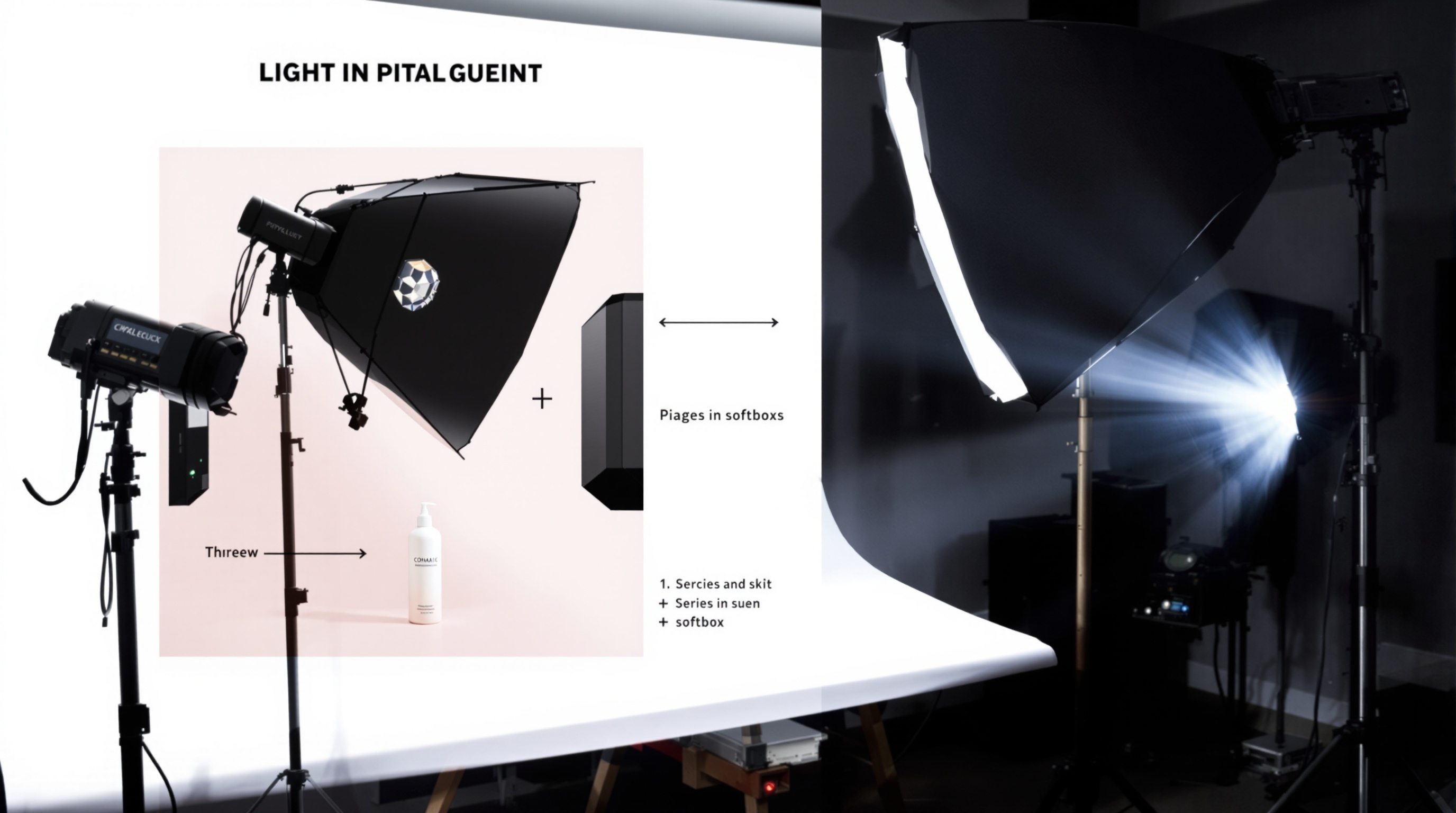
For DIY white background photography, gather these essentials:
- White backdrop: Seamless paper, vinyl, or a lightbox
- Lighting: Two to three light sources (softboxes ideal)
- Camera: DSLR or quality smartphone
- Tripod: Essential for consistency
- Editing software: For final adjustments
Setup Process
- Position your backdrop: Create a seamless curve from vertical to horizontal
- Set up lights: Place one on each side at 45-degree angles, one above or behind
- Overexpose the background: The white should be pure white (RGB 255,255,255)
- Light the product separately: Ensure the product isn't washed out
- Shoot tethered: Review images on a larger screen as you go
Post-Processing
Even with perfect setup, you'll likely need some editing:
- Adjust levels to ensure true white (use the eyedropper tool)
- Clean up any shadows or imperfections
- Crop consistently across all products
- Ensure colours remain accurate
The AI Alternative
Modern AI tools can skip most of this process entirely. Simply upload any product photo, and AI will:
- Automatically remove the existing background
- Generate a perfect pure white background
- Add professional studio lighting effects
- Create consistent shadows for depth
- Deliver marketplace-ready images
When to Use AI vs. Traditional
Choose AI when:
- You have many products to photograph
- Speed is important
- Budget is limited
- You need consistent results quickly
Choose traditional when:
- Products require special handling or angles
- You need ultra-high resolution for print
- Products have complex transparency or reflection
Platform-Specific Requirements
Amazon
- Main image must have pure white background (RGB 255,255,255)
- Product must fill 85% of frame
- Minimum 1000 pixels on longest side
- No text, logos, or watermarks
eBay
- White or light grey background preferred
- Minimum 500 pixels on longest side
- Clear, in-focus images required
Shopify/Own Store
- Consistent style across all products
- Square format often works best
- Multiple angles recommended
ShopShot creates perfect white background product photos in seconds. Upload your image and receive marketplace-ready photos instantly.
Frequently Asked Questions
Why do Amazon product photos need white backgrounds?
Amazon requires pure white backgrounds (RGB 255,255,255) for main product images to ensure consistency across the marketplace and put focus entirely on products. Images not meeting this requirement may be suppressed.
How do I get a pure white background on product photos?
Use a lightbox or white sweep, overexpose the background by 1-2 stops, or use AI tools like ShopShot that automatically generate pure white backgrounds. Post-processing in Photoshop can also achieve this.
What is the RGB value for a pure white background?
A pure white background has RGB values of 255, 255, 255 (hex #FFFFFF). Amazon and most marketplaces require backgrounds within this range for main product images.
Can I convert any background to white using AI?
Yes, AI tools can extract your product from any background and place it on a pure white background. ShopShot does this automatically in the Hero (White BG) variation.
Ready to Transform Your Product Photography?
Try ShopShot free and see professional AI photography in action.
Start Free - 15 Credits