How to Create Bulk Product Images for Shopify (Fast & Cheap Methods)
That 'small' catalog of 50 products suddenly needs 250+ photos. Here's how to handle bulk product photography without losing your mind or your budget.
The Challenge: Large Catalogs Need Photos (Lots of Them)
Let's say you're launching with 100 SKUs. Conservative estimate, you need 3-5 photos per product minimum. That's 300-500 images.
Traditional route? Hire a photographer for a full-day shoot. You're looking at £800-£1,500 for the session. Then another 2-3 weeks for editing and delivery. Need those images in a week? Add 30-50% to the price.
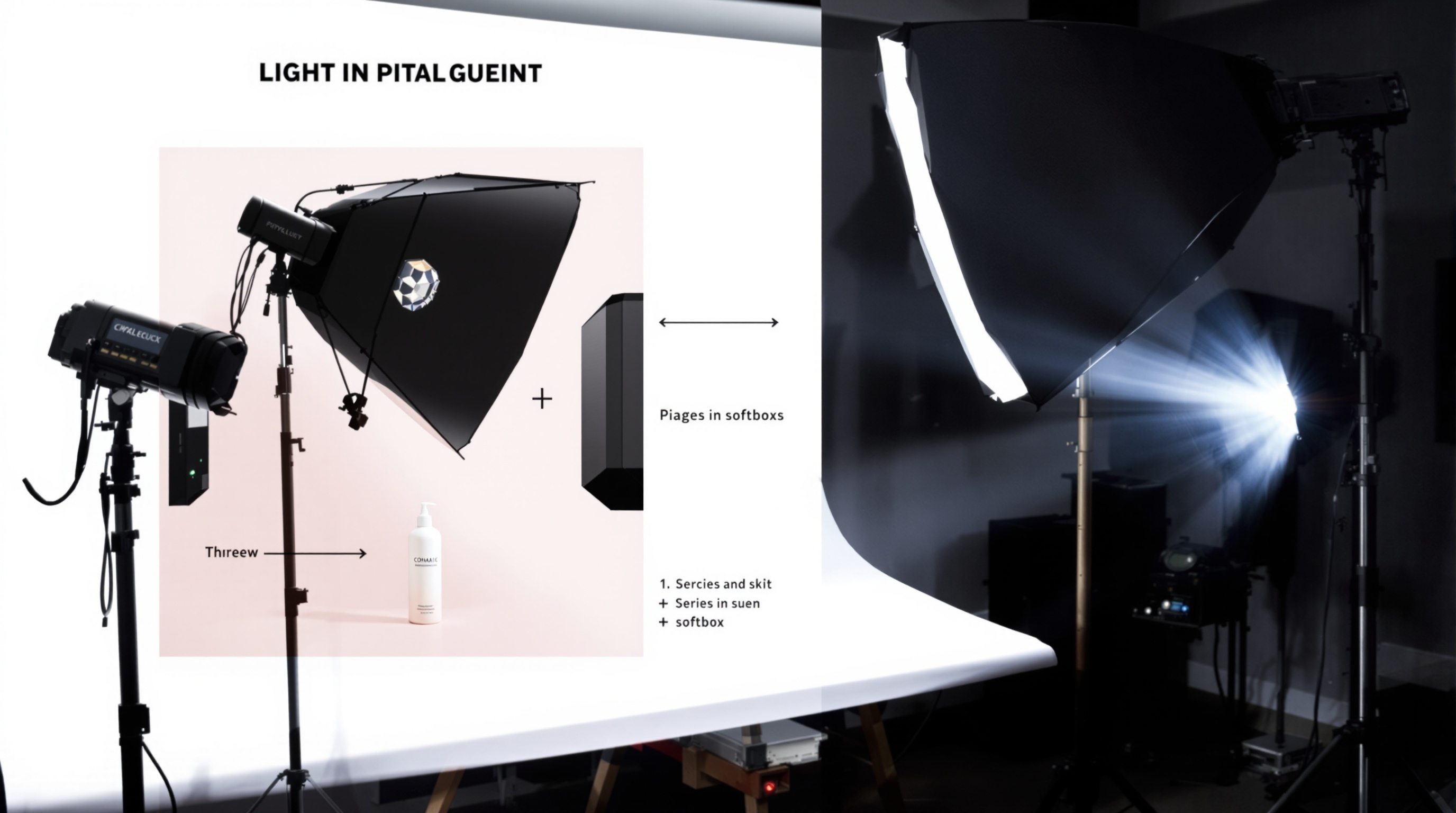
Traditional Bulk Photography Workflow
Day 1 - The Shoot: Book a photographer for 6-8 hours. Bring all your products. They'll photograph 50-100 products if things go smoothly. Cost: £800-£1,500.
Week 2-3 - Post-Production: Color correction, background cleanup, retouching. Delivery via Dropbox.
Week 4 - Revisions: Product 23 is slightly out of focus. Product 67's color looks off. Extra charges for additional revisions.
AI Bulk Product Photography: The Modern Solution
AI tools designed for ecommerce can handle bulk processing in a way that traditional methods simply can't match.
You upload 50 base product photos (taken on your smartphone, whatever). The AI processes all 50 simultaneously. For each product, it generates multiple variations with different backgrounds, lighting setups, and compositions.
Result: 50 products become 500 images in about 30 minutes.
The Cost Comparison
Traditional photographer for 100 products: £1,200 total, £12 per product, 2-3 weeks turnaround
AI tool (ShopShot) for 100 products: £40/month subscription, £0.40 per product, 30-40 minutes processing time, unlimited variations
Step-by-Step: The Bulk AI Workflow
- Prepare Your Base Photos: Set aside 2-3 hours for a batch photography session. Natural light, white surface, knock out 30-40 products per hour.
- Organize Your Files: Name files systematically using SKU numbers (SKU001-product-name.jpg)
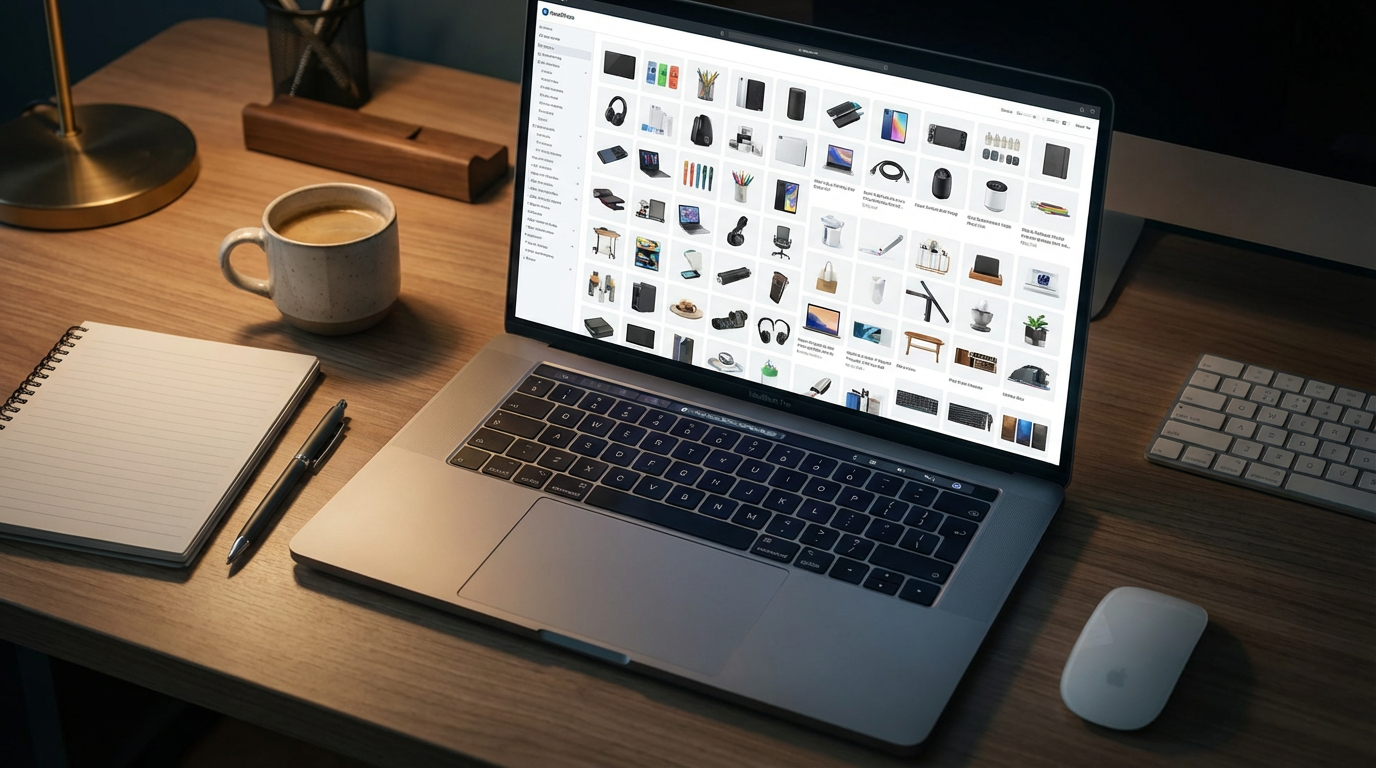
- Upload to ShopShot: Drag and drop all files at once. Handles 100+ images in one go.
- Select Your Variations: White background, lifestyle kitchen, gradient blue, etc.
- Hit Generate and Walk Away: For 50 products with 10 variations each, expect about 30-40 minutes.
- Bulk Download: Download everything as a ZIP file, organized by product.
- CSV Import to Shopify: Use Shopify's CSV import to automatically match images to products.
Optimization Tips for Bulk Processing
- Use Consistent Lighting: Shoot everything at the same time of day, same window, same setup.
- Name Files Systematically: Use SKUs or a clear naming convention. Future you will thank present you.
- Test One Product First: Before processing your entire catalog, verify quality with one product.
- Schedule Updates During Off-Hours: Update images overnight or during lowest traffic hours.
When to Refresh Bulk Product Images
Seasonal Campaigns (Quarterly): Q4 holiday backgrounds, spring fresh looks, summer vibes.
Rebranding (As Needed): New brand colors? Updated packaging? Regenerate everything.
A/B Testing (Monthly): Try different image styles on underperforming products.
Generate 500 product photos this week. Start with 15 free ShopShot credits to test the workflow.
Frequently Asked Questions
How do I create bulk product images quickly?
AI tools like ShopShot generate 10 professional variations per product in 25 seconds. For 50 products, that's 500 images in under an hour, compared to weeks with traditional photography.
What is the most cost-effective way to photograph many products?
AI product photography is most cost-effective for bulk images. At 40 GBP/month unlimited vs 1,200+ GBP for traditional photography of 100 products, AI saves 95%+ while maintaining quality.
Can I maintain consistency across hundreds of product images?
Yes, AI tools ensure perfect consistency. Every image has identical lighting, backgrounds, and quality. Traditional photography often shows variations between sessions.
How long does bulk product photography take?
Traditional: 100 products = 2-3 weeks (setup, shooting, editing). AI: 100 products = 1-2 hours. ShopShot processes each product in 25 seconds with 10 variations.
Ready to Transform Your Product Photography?
Try ShopShot free and see professional AI photography in action.
Start Free - 15 Credits