10 Product Photography Mistakes Killing Your Sales (And How to Fix Them)
Poor product photography costs sales. Learn the 10 most common mistakes that hurt conversion rates and how to fix them quickly.
Why Product Photography Mistakes Cost Real Money
Studies show 75% of online shoppers rely on product photos when deciding to purchase. A single image mistake can tank your conversion rate, increase returns, and damage your brand perception. Here are the ten most costly mistakes and their fixes.
Mistake #1: Poor Lighting
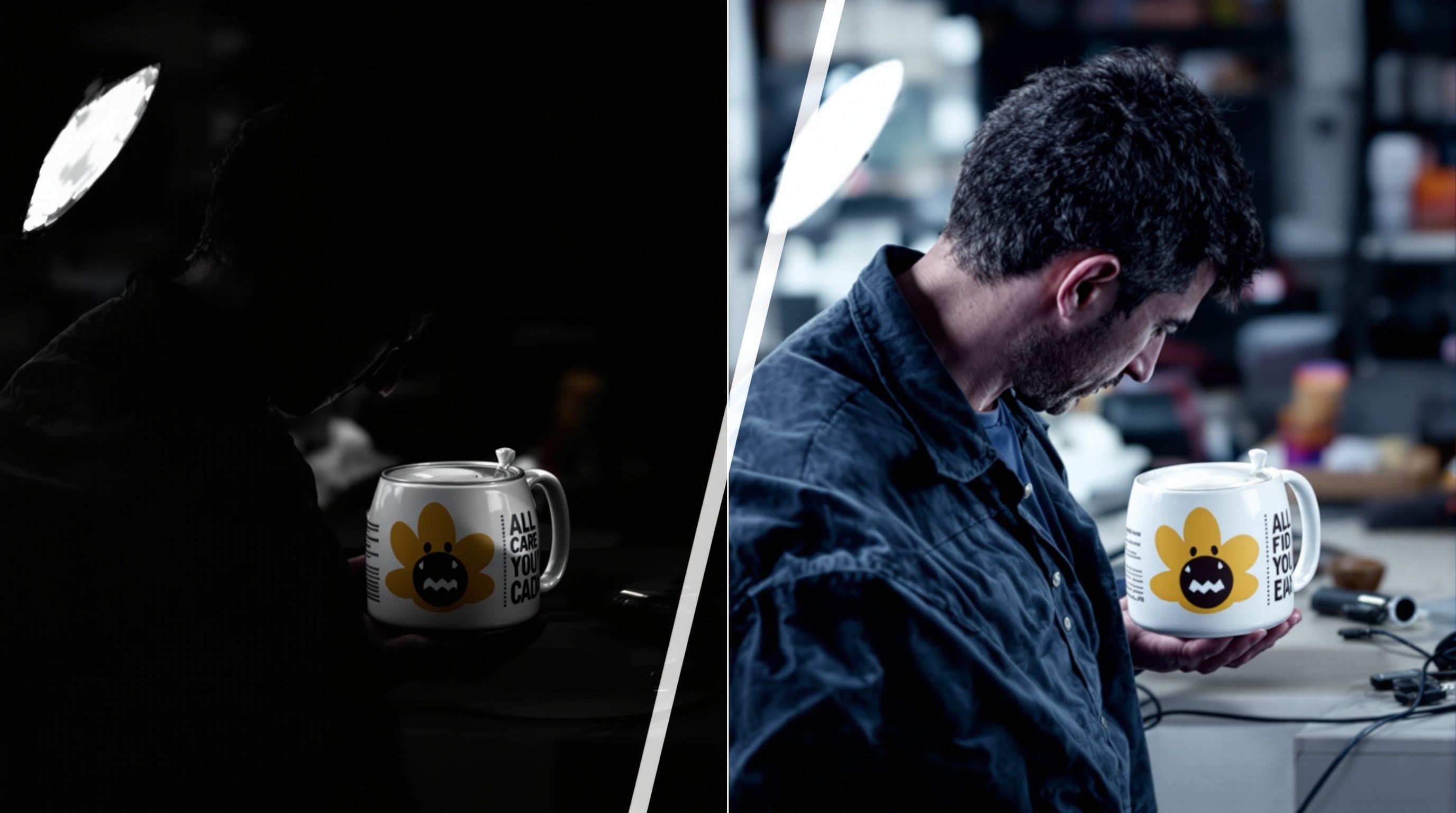
The Problem: Dark, shadowy, or inconsistently lit images make products look cheap and unprofessional.
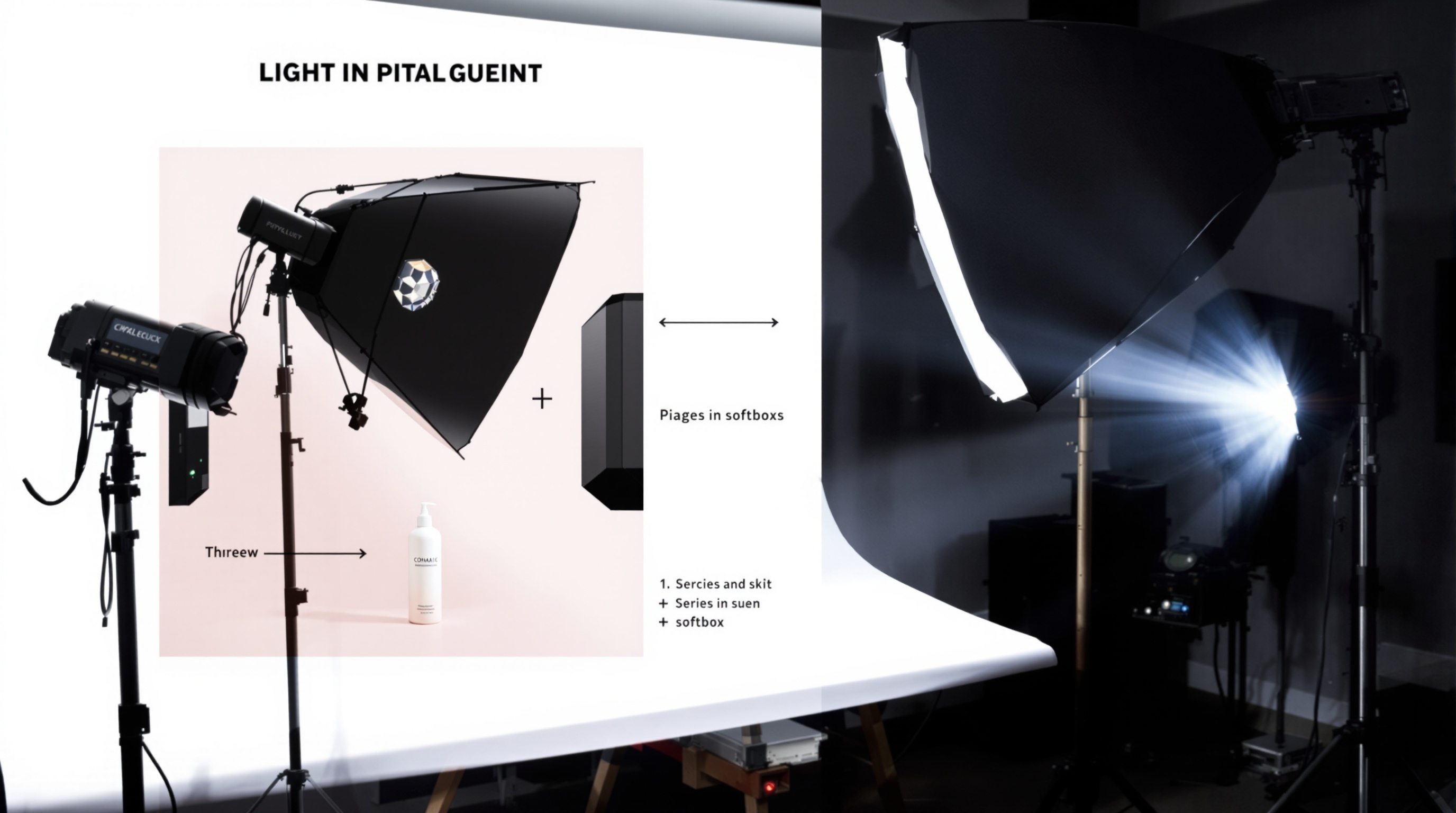
The Fix: Use natural light from a large window, or invest in affordable continuous LED lights. Diffuse harsh light with a white sheet or softbox. Ensure even illumination across the entire product.
Mistake #2: Cluttered Backgrounds
The Problem: Busy backgrounds distract from the product and look unprofessional.
The Fix: Use clean, simple backgrounds. White or neutral colours work for most products. If using lifestyle backgrounds, ensure the product remains the clear focal point.
Mistake #3: Wrong White Balance
The Problem: Colour casts make products look different than reality, leading to disappointed customers and returns.
The Fix: Set white balance manually using a grey card. Alternatively, shoot in RAW format and correct in post-processing. Always verify colours look accurate on multiple screens.
Mistake #4: Inconsistent Style
The Problem: Different lighting, backgrounds, and angles across your catalogue make your shop look disorganised and untrustworthy.
The Fix: Create a style guide for your product photography. Document your setup, lighting positions, and editing settings. Apply them consistently to every product.
Mistake #5: Low Resolution Images
The Problem: Blurry or pixelated images when customers zoom in make you look unprofessional and hide product details.
The Fix: Shoot at the highest resolution your camera allows. Most marketplaces recommend at least 1000 pixels on the longest side; aim for 2000+ for zoom capability.
Mistake #6: Only One Angle
The Problem: A single image doesn't give customers enough information to feel confident purchasing.
The Fix: Include multiple angles: front, back, side, top, and detail shots. Show the product in use. Fill all available image slots on marketplace listings.
Mistake #7: No Scale Reference
The Problem: Customers can't tell how big or small your product is, leading to surprises and returns.
The Fix: Include at least one image showing scale. Use hands, common objects, or models. Infographics with measurements also help.
Mistake #8: Over-Editing
The Problem: Heavy filters, unrealistic colours, or excessive retouching misrepresent products and damage trust.
The Fix: Edit for accuracy, not artistry. Correct exposure, white balance, and minor imperfections. Keep colours true to life. What you show must be what customers receive.
Mistake #9: Ignoring Mobile
The Problem: Over 50% of e-commerce traffic is mobile. Images that look great on desktop may be ineffective on small screens.
The Fix: Test all images on mobile devices. Ensure products are clearly visible at thumbnail size. Avoid small text or details that won't read. Use the recommended aspect ratios for each platform.
Mistake #10: No Lifestyle Context
The Problem: Only showing products on white backgrounds fails to help customers envision ownership or create emotional connection.
The Fix: Include lifestyle images showing products in use or in context. Help customers imagine the product in their lives. Mix catalogue shots with aspirational imagery.
Quick Fixes with AI
Many of these mistakes can be corrected without reshooting:
- AI can fix lighting and shadows
- Background removal and replacement is instant
- Multiple variations can be generated from one source image
- Lifestyle contexts can be added without physical setups
- Consistency can be maintained across entire catalogues
Fix your product photography instantly. ShopShot transforms problematic product photos into professional, conversion-optimised images.
Frequently Asked Questions
What is the biggest mistake in product photography?
Poor lighting is the most common mistake. It causes color inaccuracies, harsh shadows, and unflattering product appearance. Always use soft, diffused lighting and avoid mixed light sources.
Why do my product photos look unprofessional?
Common issues include: poor lighting, cluttered backgrounds, inconsistent styling, wrong camera settings, lack of editing, and showing products at unflattering angles. Focus on these fundamentals first.
How do I fix blurry product photos?
Use a tripod, increase shutter speed (1/125s minimum for handheld), ensure adequate lighting, use a smaller aperture (f/8-f/11) for sharpness, and enable image stabilization. Focus on the product's key features.
Should I edit product photos?
Yes, basic editing is essential. Adjust white balance, exposure, contrast, and sharpness. Remove dust spots and imperfections. However, never misrepresent the product. Keep editing consistent across all products.
Ready to Transform Your Product Photography?
Try ShopShot free and see professional AI photography in action.
Start Free - 15 Credits