How to Generate Product Images with AI (Tools & Workflow for 2025)
Two years ago, 'AI product photography' meant janky, obviously fake images. Today, I genuinely can't tell which of my product images were shot by a photographer and which were AI-generated.
What is AI Product Photography? (The Actual Technology)
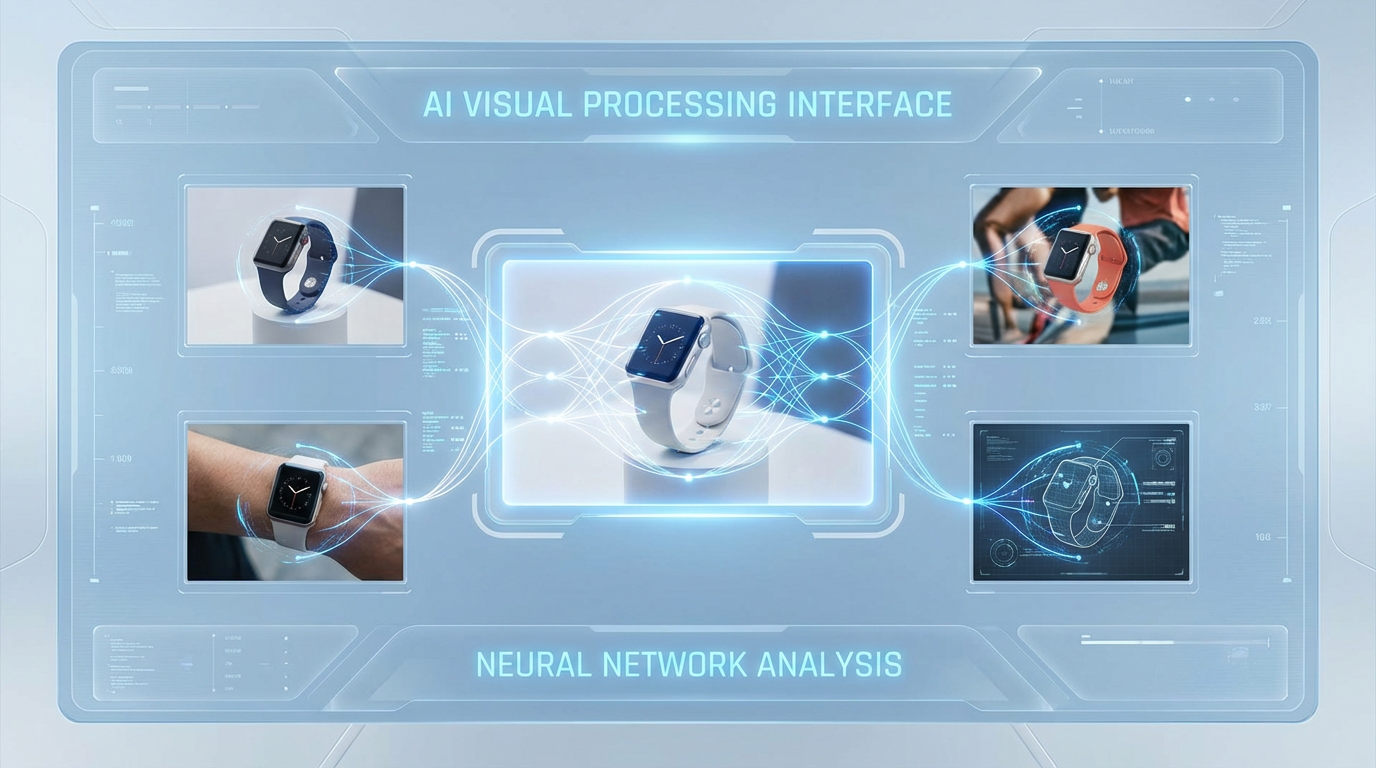
AI product photography uses computer vision and generative AI to analyze, manipulate, and create product images.
How It Works
- Image Recognition: AI analyzes your product using computer vision. It identifies product boundaries, lighting conditions, shadows and reflections.
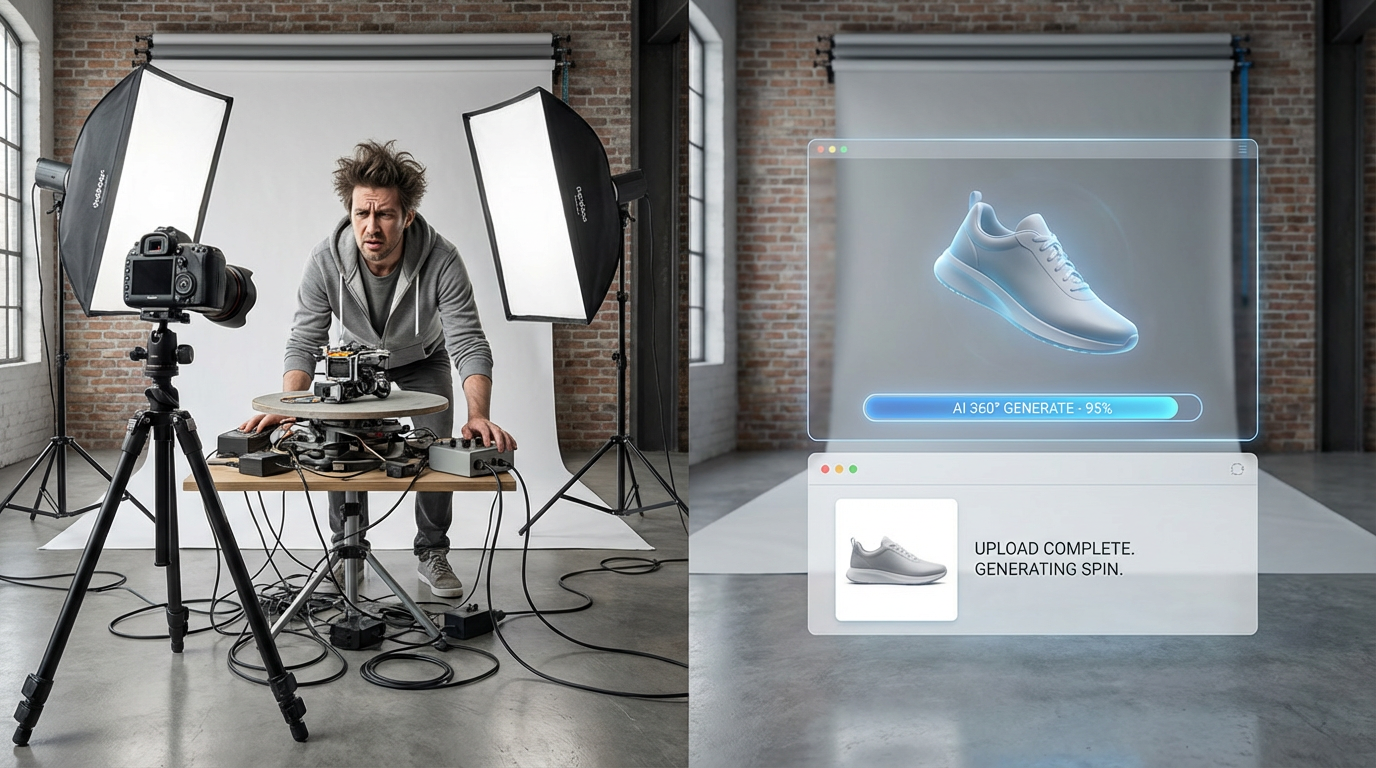
- Background Removal: AI isolates the product. This used to be a 10-minute Photoshop job. AI does it in 2 seconds with better accuracy.
- Generative AI Creates New Contexts: Using generative AI models, the tool creates new backgrounds, lighting, and settings around your product.
- Output Optimization: AI exports images at correct dimensions, file size, and format for wherever you're uploading.
AI Product Photography Tools Comparison (2025)
ShopShot
Price: £40/month. Best For: Ecommerce sellers with 20+ products. Features: Bulk generation, 10 variations per photo, 360-degree spin, unlimited usage.
PhotoRoom
Price: £10/month. Best For: Social media content creators, small catalogs. Features: Background removal, basic editing, templates.
Remove.bg
Price: Pay-per-image (£0.20-2 per image). Best For: One-off projects, occasional use. Features: Background removal only.
Step-by-Step: AI Workflow with ShopShot
- Gather Base Photos: Batch photography sessions. Set up near window, white surface, shoot 30-40 products per hour.
- Sign Up: 15 free credits to test, no card required.
- Upload Photos: Drag and drop. Handles batch uploads of 80+ images.
- Select Variations: Pure white, lifestyle kitchen, lifestyle office, outdoor natural, gradient blue, seasonal Christmas, etc.
- Generate: Click button. 25 seconds per product.
- Download: Individual files or bulk ZIP, organized by product.
AI vs Traditional Photography: Real Comparison
Independent test: Same 20 products shot three ways.
Quality Assessment (50 random people rating professionalism 1-10):
- Professional photographer: 8.7/10
- DIY with editing: 6.2/10
- AI-generated: 8.4/10
AI was statistically indistinguishable from professional photography.
Conversion Rate Test (identical Shopify listings):
- Professional photos: 3.8% conversion
- DIY photos: 2.9% conversion
- AI photos: 3.7% conversion
AI converted almost identically to professional photography. 0.1% difference is within margin of error.
Best Practices for AI Product Photos
- Start with Quality Input: Better base photo = better output.
- Use Natural Lighting for Base Shots: Window on overcast day is ideal.
- Test Multiple Variations: Don't assume you know which background converts best.
- A/B Test Performance: Track which variations actually convert.
Generate your first AI product photos free. 15 ShopShot credits, no card required.
Frequently Asked Questions
How does AI product image generation work?
AI analyzes your uploaded product photo, identifies the product, removes the background, then generates new images by placing the product in various settings using machine learning models trained on millions of professional photos.
What AI models are used for product photography?
Modern AI product photography uses models like Google's Gemini, DALL-E, and specialized e-commerce models. ShopShot uses Gemini Flash for fast generation and Gemini Pro for highest quality results.
How long does AI image generation take?
AI generates product images in seconds. ShopShot creates 10 professional variations in approximately 25 seconds. Traditional photography and editing takes hours per product.
Can AI match my brand style?
Yes, AI tools can incorporate brand colors and maintain consistent styling. ShopShot's brand color feature lets you specify colors that appear in lifestyle backgrounds to match your brand identity.
Ready to Transform Your Product Photography?
Try ShopShot free and see professional AI photography in action.
Start Free - 15 Credits