How to Create Multiple Product Photos from One Image (AI Photography Guide)
I had one good photo of a water bottle. Then my partner asked for white background for Amazon, lifestyle for Instagram, and gradient for the website. Here's the smart solution.
Why Multiple Product Photos Actually Matter
Products with 1 photo: ~2% conversion rate. Products with 5+ photos: ~4.2% conversion rate. That's not marginal. For a product making £2,000/month, jumping from 2% to 4% conversion doubles your revenue.
SEO Benefits
Google Images is massive for product discovery. Multiple product images mean multiple chances to rank for image searches. Some products get 30% of traffic from Google Images.
Customer Trust
Returns are expensive. Multiple angles and contexts reduce uncertainty. One client saw returns drop from 12% to 7% after adding multiple product angles.
What Variations Can You Create from One Photo?
Background Changes
- Pure white (Amazon, Etsy, professional)
- Gradient (modern, aesthetic, Shopify stores)
- Lifestyle settings (kitchen, office, outdoor)
- Seasonal themes (Christmas, summer, Halloween)
Lighting Variations
- Studio lighting (clean, professional)
- Natural light (soft, warm)
- Dramatic lighting (high contrast, moody)
The Manual Method: Photoshop Background Replacement
Open Photoshop. Select product with Pen tool or Magic Wand. Delete background. Create new layer with desired background. Adjust lighting to match. Fine-tune edges. Export.
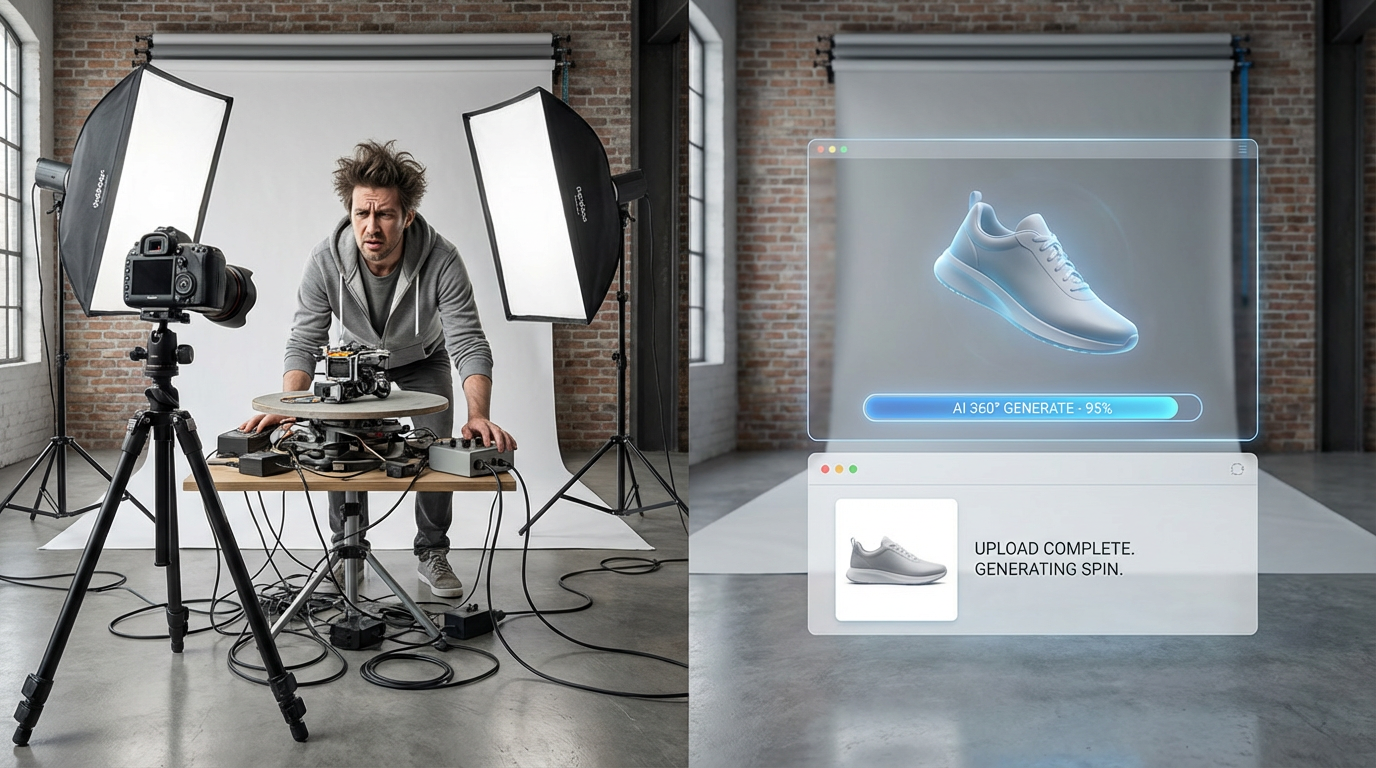
Time Required: 30-45 minutes per variation. If you're creating 10 variations, that's 5-7.5 hours of work.
The AI Method: ShopShot
Upload one base photo. Select variation types (white, lifestyle, gradient, etc.). Click one button. AI processes everything simultaneously. Wait 20-30 seconds. Download individual files or bulk ZIP.
Cost Comparison
Reshoot Everything: 2-3 hours, £0 (your time)
Photoshop Manual: 5-7 hours (10 variations), £10/month + time
AI (ShopShot): 25 seconds, £40/month unlimited
How to Choose Which Variations to Create
Start With Platform Requirements:
- Amazon: Pure white background (main image requirement)
- Etsy: Lifestyle shots perform better
- Instagram: Aesthetic lifestyle or gradient backgrounds
- Your Shopify store: Mix of white and lifestyle
Add Lifestyle for Emotional Connection: At least 2-3 lifestyle shots showing your product in context. Kitchen products on kitchen counter. Office supplies on a desk.
Seasonal Variations for Future Campaigns: While generating variations, create Christmas backgrounds (save for Q4), summer outdoor settings, Valentine's Day romantic settings. Store them for when the season hits.
Turn 1 product photo into 10 variations in 25 seconds. Start free with ShopShot.
Frequently Asked Questions
Can AI generate multiple product photos from one image?
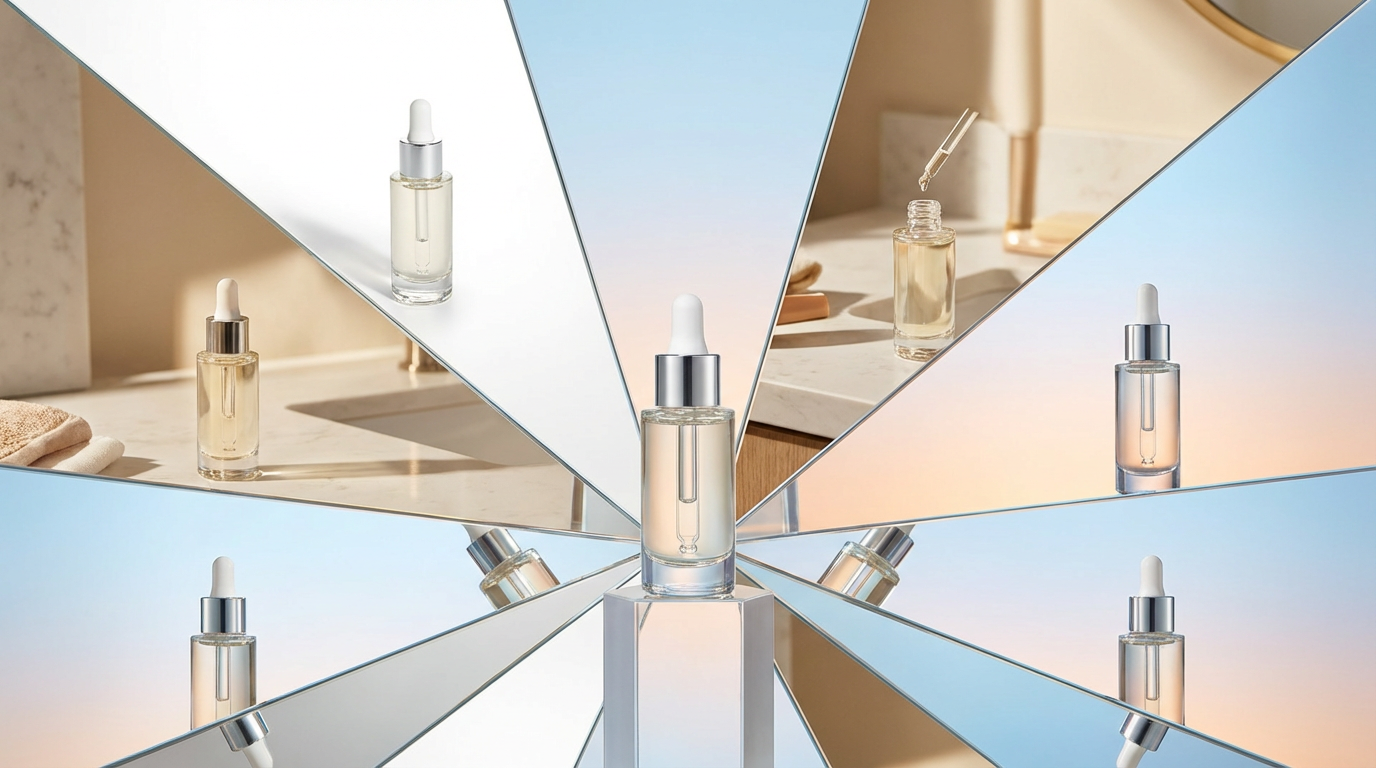
Yes, AI tools like ShopShot generate 10 different professional variations from a single source image in 25 seconds. Variations include white background, lifestyle shots, detail views, and more.
What variations can I get from one product photo?
From one photo, AI generates: hero white background, lifestyle/in-use shots, texture details, branding close-ups, construction details, color/finish shots, scale references, flat-lay styled, environment context, and multi-angle views.
How does AI create different angles from one photo?
AI analyzes your product's shape, texture, and features, then generates new perspectives using trained models. While not true 3D, it creates convincing alternative views suitable for e-commerce use.
Is the quality consistent across AI-generated variations?
Yes, AI maintains consistent lighting, color accuracy, and quality across all variations. This consistency is actually superior to traditional photography where conditions may change between shots.
Ready to Transform Your Product Photography?
Try ShopShot free and see professional AI photography in action.
Start Free - 15 Credits