How to Make White Background Product Photos (Amazon/Etsy Requirements)
Amazon rejected my listing. 'Image does not meet technical requirements - background is not pure white.' Turns out, there's 'looks white' and 'RGB 255, 255, 255 pure white.' They're not the same.
Why Marketplaces Require White Backgrounds
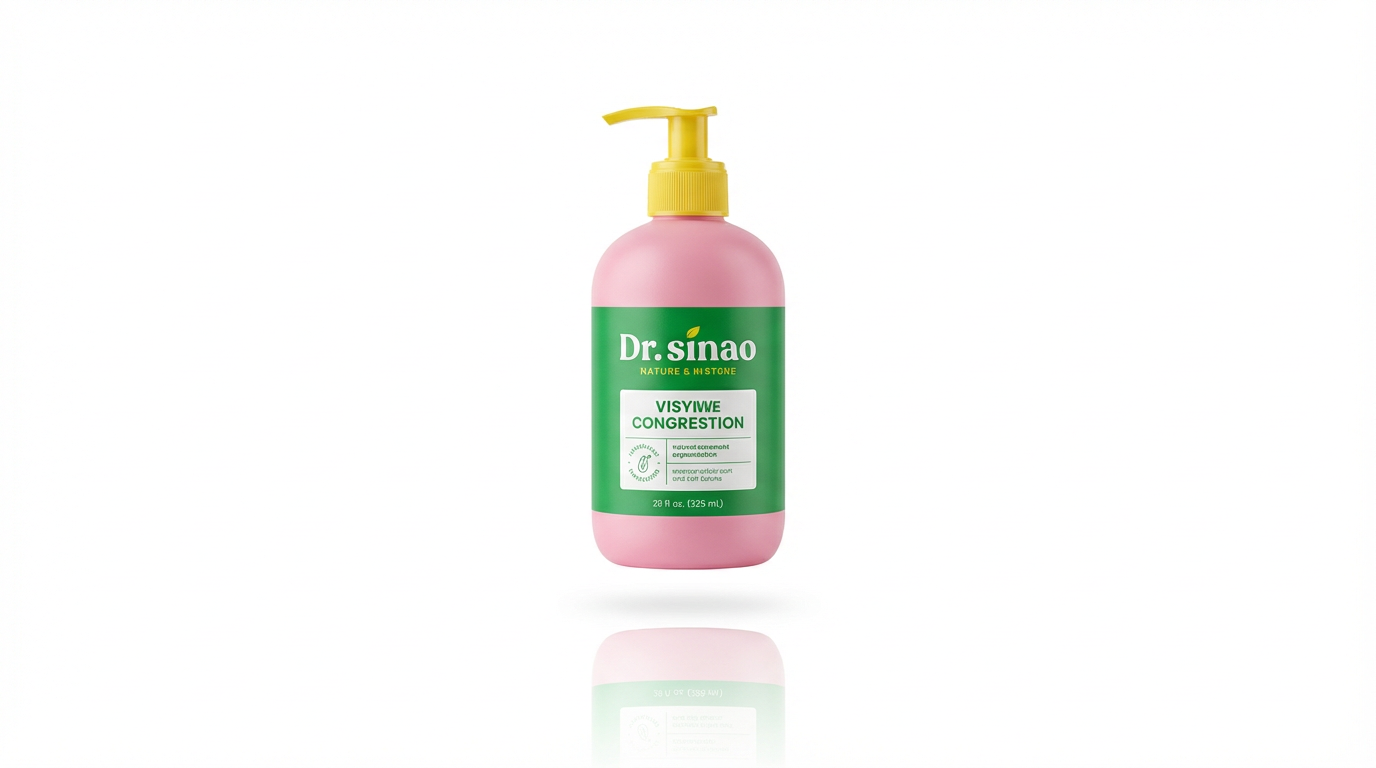
Amazon's Official Requirement: Main product images must have a pure white background (RGB 255, 255, 255). No exceptions for most categories.
Why? Consistency (every listing looks the same), Focus (attention entirely on product), Premium Perception (white backgrounds are associated with professional brands).
Traditional Method 1: Lightbox Photography Setup
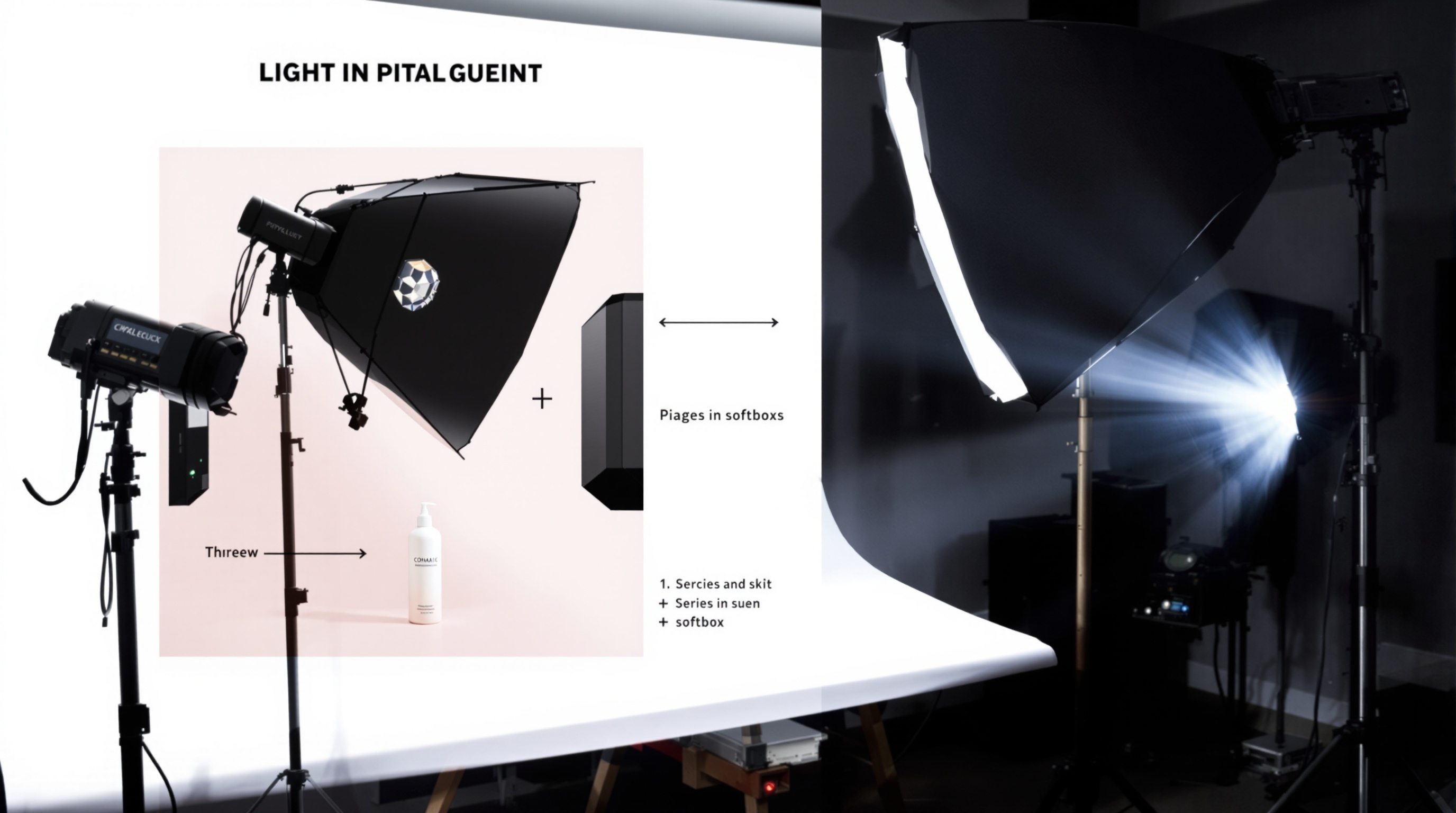
Equipment You Need
- Lightbox (£40-150): Cube-shaped box with white interior and translucent sides
- Studio Lights (£50-100): Two LED panel lights, don't cheap out
- White Backdrop Paper (£15): Seamless white paper backdrop
Time Per Product: 5-10 minutes each once lightbox is set up.
Traditional Method 2: Photoshop Background Removal
- Open image in Photoshop
- Unlock Background Layer
- Select background using Magic Wand, Quick Selection, or Pen Tool
- Refine Selection Edges (Select > Select and Mask)
- Delete Background
- Add Pure White Layer underneath
- Check RGB Values (must be 255, 255, 255)
- Clean Up Edges (zoom to 200-300%)
- Resize and Export (2000x2000px for Amazon)
Time Per Image: 10-15 minutes once proficient.
The AI Method: ShopShot (3-Second White Backgrounds)
- Upload product photo (any background)
- AI identifies product and removes background automatically
- AI adds pure white background (RGB 255, 255, 255 - guaranteed Amazon compliant)
- AI auto-adjusts product positioning (centered, 85% frame fill)
- AI optionally adds or removes shadows
- Download 2000x2000px JPEG
Time: 25 seconds per product.
Quality Checklist: Verifying Your White Background Images
- Check 1: RGB Values - Use eyedropper tool. Should read R:255 G:255 B:255.
- Check 2: No Shadows - Zoom to 100%. Look around product edges.
- Check 3: Clean Product Edges - Zoom to 200-300%. Look for halos, jagged edges, artifacts.
- Check 4: Proper Product Centering - Product should be centered, filling ~85% of image.
- Check 5: Resolution - Minimum 1000x1000px for Amazon (2000x2000px recommended).
Common Mistakes That Get Images Rejected
- Slightly Off-White Background: RGB 250,250,250 looks white but Amazon rejects it.
- Visible Shadows: Shadows make products look unprofessional.
- White Halos: Thin white line around product edges from poor selection.
- Low Resolution: Below 2000x2000px means no zoom functionality.
Create perfect white background images in 25 seconds. Try ShopShot free with 15 credits.
Frequently Asked Questions
What makes a perfect white background product photo?
Perfect white backgrounds are: pure white (RGB 255,255,255), evenly lit without gradients, shadow-free or with minimal soft shadows, and seamlessly blend with any white webpage.
How do I remove shadows from white background photos?
Use diffused lighting from multiple angles, place product on a raised platform, use a light tent or softbox, and in post-processing, adjust levels to push shadows to white while maintaining product detail.
What is a product photography lightbox?
A lightbox (or light tent) is a translucent enclosure that diffuses light evenly around products, eliminating harsh shadows and creating clean white backgrounds. Sizes range from 40cm for small items to 120cm+ for larger products.
Can phones take good white background product photos?
Yes, modern smartphones take excellent product photos. Use good lighting, a white background, and tripod. AI tools can then perfect the white background and enhance quality to professional standards.
Ready to Transform Your Product Photography?
Try ShopShot free and see professional AI photography in action.
Start Free - 15 Credits