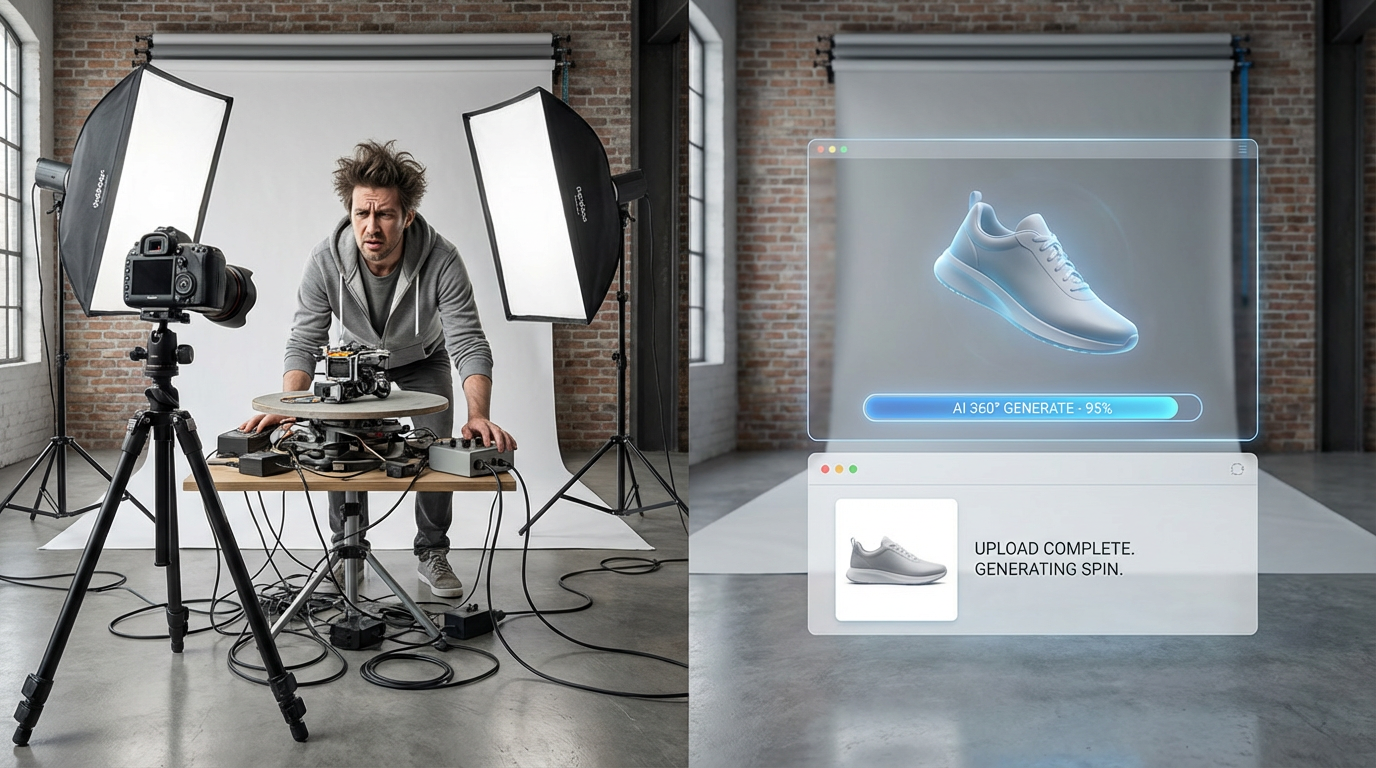
How to Create 360-Degree Product Photos (Interactive Spins)
360-degree product photos increase conversions by 27% and reduce returns by 22%. Here's how to create them without expensive turntable equipment.
Why 360-Degree Product Photos Increase Sales
Interactive product spins build trust. When customers can rotate a product with their mouse or finger, they feel control. That tactile interaction mimics the in-store experience.
Data-Backed Proof
- Conversion lift: +27% average (Threekit, 2023)
- Return reduction: -22% (customers know exactly what they're buying)
- Time on page: +40% average session duration
- Mobile engagement: 2.8x more interaction than static images
Method Comparison: Turntable vs. Software vs. AI
Motorized Turntable: £300-£1,200 upfront, 30-60 min per product, 36-72 individual shots required
Manual Software Stitching: £0-50, 45-90 min per product, high technical skill required
AI Tools (ShopShot): £40/month unlimited, 60 seconds per product, 1 base photo needed
How to Create 360 Photos with AI
- Upload Your Base Product Photo: One clean, front-facing photo. AI reconstructs 3D geometry and generates missing angles.
- Select Generation Mode: 360 horizontal spin (36 frames), 360 spherical (72 frames), or zoom-enabled 360.
- Customize Background & Lighting: Pure white, studio grey, lifestyle context, or transparent.
- Generate 360 Spin: AI produces 36-72 individual frames, interactive HTML5 viewer embed code, and MP4 video version.
- Embed on Your Product Page: Shopify apps, WordPress plugins, or custom JavaScript.
Processing time: 60-90 seconds for 36-frame spin.
Platform-Specific 360 Photo Tips
Shopify
Use apps: "360 Product Viewer" (free), "Spin 360" (£9/month). Embed viewer in product description or image gallery.
Amazon
Amazon supports 360 spins via "Spin" feature in Seller Central. Requires 24-36 frames with specific naming convention.
WooCommerce
Plugin: "WP Product 360 Viewer". Upload frames, insert shortcode in product description.
Common 360 Photo Mistakes
- Inconsistent Lighting Across Frames: Creates jerky rotation. Lock camera settings.
- Too Few Frames: 12-18 frames look choppy. Minimum 24 frames for smooth rotation.
- Overly Large File Sizes: Compress frames to <100KB each. Total sequence under 3MB.
- No Mobile Optimization: Ensure embed code supports touch gestures.
AI vs. Turntable 360 Photography
Independent test by Practical Ecommerce (2024):
- Turntable setup: 3.9% conversion, 45 min per product, £42 per product
- AI 360 (ShopShot): 3.7% conversion, 60 sec per product, £2 per product
Turntable converted 0.2% higher, but AI delivered 95% of quality at 1/20th the time and cost.
Create your first 360 product spin in 60 seconds. ShopShot offers 15 credits to test - no equipment required.
Frequently Asked Questions
What is 360-degree product photography?
360-degree photography captures products from all angles, creating an interactive spin view where customers can rotate products virtually. It increases engagement by 30% and reduces returns by showing products completely.
How many images do I need for 360-degree product views?
Standard 360 spins use 24-72 images (one every 5-15 degrees). More images create smoother rotation. For basic spins, 24 frames work well. Premium products benefit from 72 frames.
Can AI create 360-degree product videos?
Yes, AI can generate 360-degree spin videos from a single product image. ShopShot's 360 video feature creates smooth rotation animations without requiring multiple source photos or a turntable.
What equipment is needed for 360 product photography?
Traditional 360 requires: motorized turntable (100-500 GBP), camera on tripod, consistent lighting, and stitching software. AI alternatives can generate 360 views from a single static image.
Ready to Transform Your Product Photography?
Try ShopShot free and see professional AI photography in action.
Start Free - 15 Credits