How to Create Lifestyle Product Photos (Without a Studio)
White background shots get clicks, but lifestyle images close deals. A Shopify study found lifestyle photos convert 40% higher. Here's how to create them without a studio.
Why Lifestyle Product Photos Sell Better
Lifestyle photos work because they trigger emotional connection. When customers see your candle on a minimalist coffee table next to an open book, they don't just see wax in a jar - they visualize a relaxing Sunday morning.
Data-Backed Proof
- Conversion lift: 40% higher than white background alone (Shopify)
- Time on page: +25% average session duration (Baymard Institute)
- Social engagement: 3.2x more shares/saves on Instagram (Later.com)
Method Comparison: DIY vs. Studio vs. AI
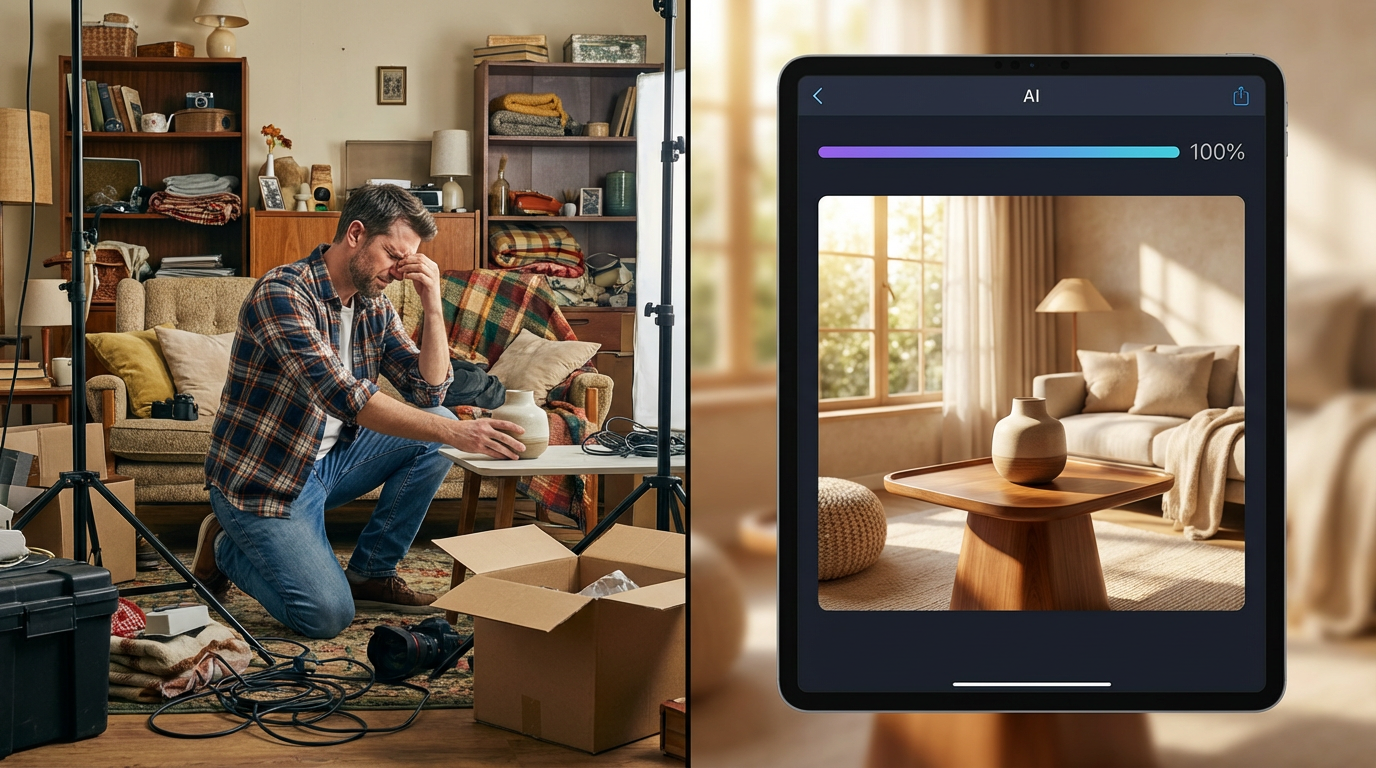
DIY (Your Home): £50-150 (props/lighting), 30-60 min per product, moderate consistency
Professional Studio: £800-£2,500 per shoot, 10-15 min per product after setup, excellent quality
AI Tools (ShopShot): £40/month unlimited, 30 seconds per product, perfect consistency
How to Create Lifestyle Photos with AI
- Upload Your Base Product Photo: Smartphone is fine. AI removes background and reconstructs scene.
- Choose Your Lifestyle Context: Modern living room, rustic kitchen, spa bathroom, outdoor settings, cafe table, etc.
- Customize Background Elements: Lighting (golden hour, studio soft), props (books, plants, coffee cups), color palette, mood.
- Generate Variations: 5-10 lifestyle variations per product. Processing: 20-30 seconds.
- Download High-Res Files: 2000x2000px minimum. Platform-optimized exports for Shopify, Instagram, Amazon A+ Content.
Platform-Specific Lifestyle Photo Tips
Shopify Product Pages
Hero image: White background. Images 2-5: Lifestyle carousel. Images 6-7: Close-up details.
Amazon A+ Content
Module 1: Lifestyle hero. Modules 2-4: Comparison charts + details. Module 5: Lifestyle collage.
Instagram Feed
1:1 ratio (1080x1080px). Consistent color grading. Use lifestyle images for Reels thumbnails.
Common Lifestyle Photo Mistakes
- Overproduction: Overly staged shots feel fake. Modern customers prefer authentic scenes.
- Context Mismatch: Hiking boots in a penthouse? Context must align with product use case.
- Crowded Compositions: Too many props distract. Follow 60/40 rule: 60% product, 40% context.
- Inconsistent Branding: Lifestyle photos should share cohesive aesthetic across your catalog.
AI vs. Traditional Lifestyle Photography (Data)
Independent test by Ecommerce Fuel (2024): 50 product pages, A/B tested traditional vs AI-generated lifestyle.
- Traditional studio: 3.8% conversion, £26.30 cost per conversion
- AI lifestyle (ShopShot): 3.6% conversion, £1.10 cost per conversion
Key finding: Traditional shots converted 0.2% higher, but AI delivered 95% of the conversion power at 4% of the cost.
Create your first lifestyle photo in 30 seconds. ShopShot offers 15 credits to test AI lifestyle generation - no card required.
Frequently Asked Questions
How do I create lifestyle product photos at home?
Use natural window light, create scenes with household items as props, shoot in clean areas of your home, and use consistent styling. AI tools can then generate professional lifestyle variations from your basic shots.
What props work for lifestyle product photography?
Choose props that tell your product's story: plants for organic products, books for intellectual items, fabric textures for fashion. Keep props minimal (3-5 items) and ensure they don't overpower your product.
Do I need expensive equipment for lifestyle photography?
No, you can create great lifestyle shots with a smartphone, natural light, and creative props. Focus on composition and storytelling. AI tools can enhance basic photos to professional quality.
Can AI create lifestyle backgrounds for my products?
Yes, AI tools like ShopShot automatically generate lifestyle scenes including in-use shots, styled flat-lays, and environmental contexts from a single product photo without any physical props or sets.
Ready to Transform Your Product Photography?
Try ShopShot free and see professional AI photography in action.
Start Free - 15 Credits