Instagram Product Photography: Create Scroll-Stopping Content
Instagram is visual-first. Learn how to create product photography that stops the scroll, drives engagement, and converts followers into customers.
Why Instagram Product Photography is Different
Instagram isn't a marketplace; it's a visual discovery platform. Users scroll rapidly, and you have milliseconds to capture attention. Your product photography must:
- Stop the scroll instantly
- Fit the platform's aesthetic expectations
- Work across multiple formats (feed, Stories, Reels)
- Encourage engagement, not just views
- Build brand identity alongside selling products
Format-Specific Considerations
Feed Posts (Square, Portrait, Landscape)
- Square (1:1): Classic Instagram format; safe choice
- Portrait (4:5): Takes up more screen space; higher engagement potential
- Landscape (1.91:1): Less common; can stand out but risks cropping
Stories and Reels (9:16 Vertical)
- Full-screen immersive format
- Leave space for text overlays
- Consider the UI elements (username, music sticker, etc.)
- Keep the key product in the centre-to-lower third
Instagram Shopping
- Product tags require clear product visibility
- Multiple products can be tagged in one image
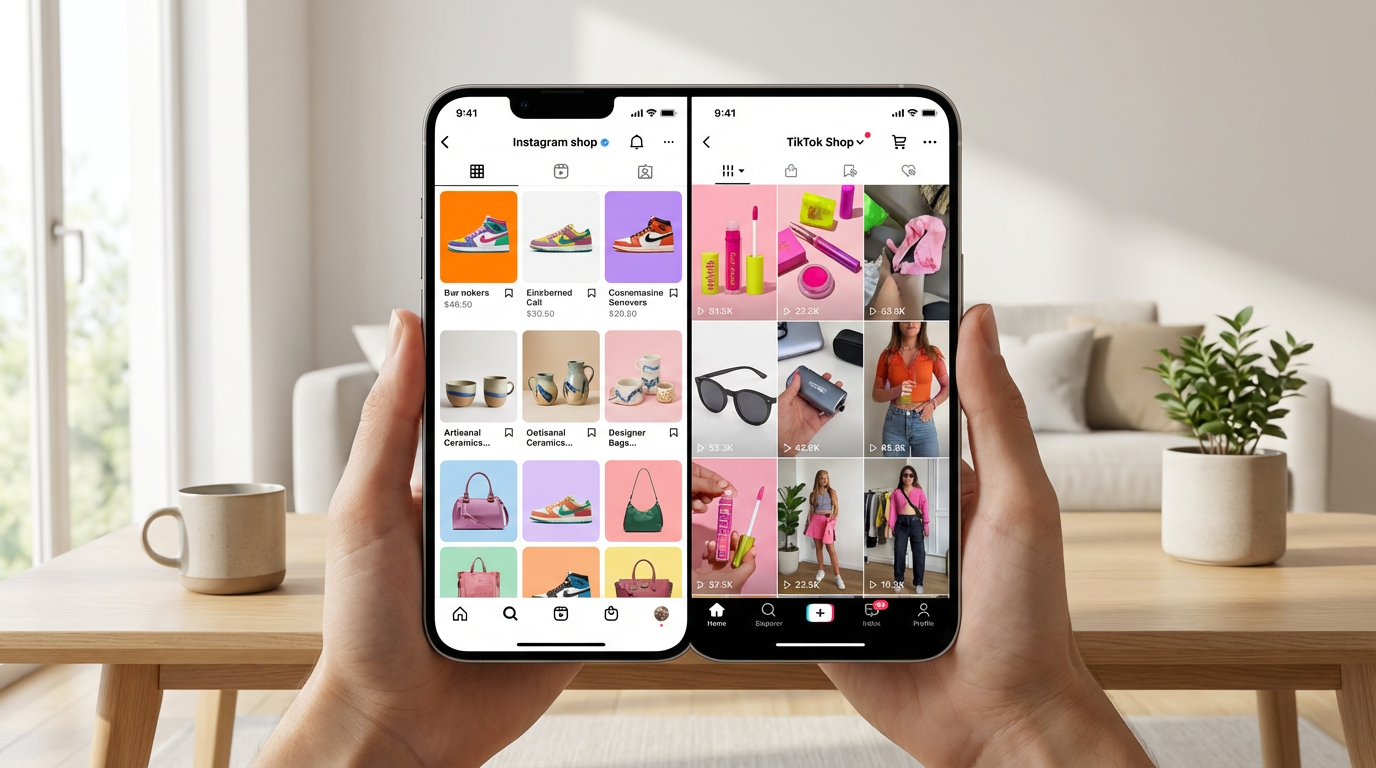
- Consider shopping tab grid appearance
Visual Strategies That Work
Lifestyle Over Catalogue
Instagram users want inspiration, not product catalogues. Show products:
- In real-world scenarios
- Being used or worn
- As part of an aspirational lifestyle
- Within aesthetically pleasing environments
Human Element
Posts with people receive higher engagement:
- Hands interacting with products
- Products being worn or used
- Behind-the-scenes creating content
- User-generated content featuring customers
Colour Strategy
- Develop a consistent colour palette
- Consider how images look together in your grid
- Use colour psychology to evoke emotions
- Ensure products pop against backgrounds
Creating Engagement-Driving Content
Before and After
Show transformations: product packaging vs. product in use, ingredient vs. finished product, problem vs. solution.
Process and Behind-the-Scenes
Share how products are made, packed, or designed. Authenticity drives connection.
User-Generated Content
Repost customer photos (with permission). Social proof is incredibly powerful.
Educational Content
Show how to use, style, or care for products. Add value beyond selling.
Technical Quality Requirements
- Resolution: Minimum 1080px wide; higher is better
- Lighting: Bright, natural-feeling light performs best
- Focus: Sharp focus on products; subtle background blur adds depth
- Editing: Consistent filters/presets build brand recognition
Grid Planning
Your Instagram profile is a gallery. Plan how images work together:
- Alternate between close-ups and wide shots
- Maintain colour consistency
- Mix lifestyle and product-focused images
- Use preview apps to plan your grid
AI for Instagram Content
Creating enough content for Instagram is challenging. AI helps by:
- Generating multiple variations from single product shots
- Creating lifestyle contexts without elaborate photoshoots
- Producing platform-optimised formats quickly
- Maintaining visual consistency across large content volumes
- A/B testing different styles to see what resonates
Create Instagram-ready product content at scale. ShopShot generates multiple scroll-stopping variations from a single product photo.
Frequently Asked Questions
What is the best image size for Instagram product photos?
Instagram supports multiple sizes: 1080x1080 (square), 1080x1350 (portrait, best engagement), and 1080x608 (landscape). Portrait format 4:5 takes up more screen space and typically gets highest engagement.
How do I make product photos Instagram-worthy?
Use consistent filters/presets, incorporate lifestyle elements, shoot with good natural lighting, use the rule of thirds, and maintain a cohesive color palette across your feed. Authenticity outperforms overly polished content.
Should I use carousel posts for products on Instagram?
Yes, carousel posts get 1.4x more reach and 3.1x more engagement than single images. Use carousels to show multiple angles, details, use cases, and before/after comparisons.
What hashtags work best for product photography on Instagram?
Mix popular hashtags (#productphotography 5M+ posts) with niche ones (#handmadejewelry). Use 20-30 hashtags, include location tags, and create a branded hashtag. Research competitor hashtags for ideas.
Ready to Transform Your Product Photography?
Try ShopShot free and see professional AI photography in action.
Start Free - 15 Credits